Standards
Show & Installation Quality Standards
This is about banding, noise, bit-depth, frame-rate, color-correction, and sync in show conditions. These notes might be considered controversial, I consider them time and effort saving. Proceed at your own risk.
In general, my POV is don’t believe the hype: everything needs to be 16 bit, 60fps and have perfect frame sync. These are goals, but they are not strictly necessary because no one will notice unless you have a very specific use-case. Or if your creative executives care about these things (they probably don’t, and if they do, it’s either a flex or they’re absolutely right).
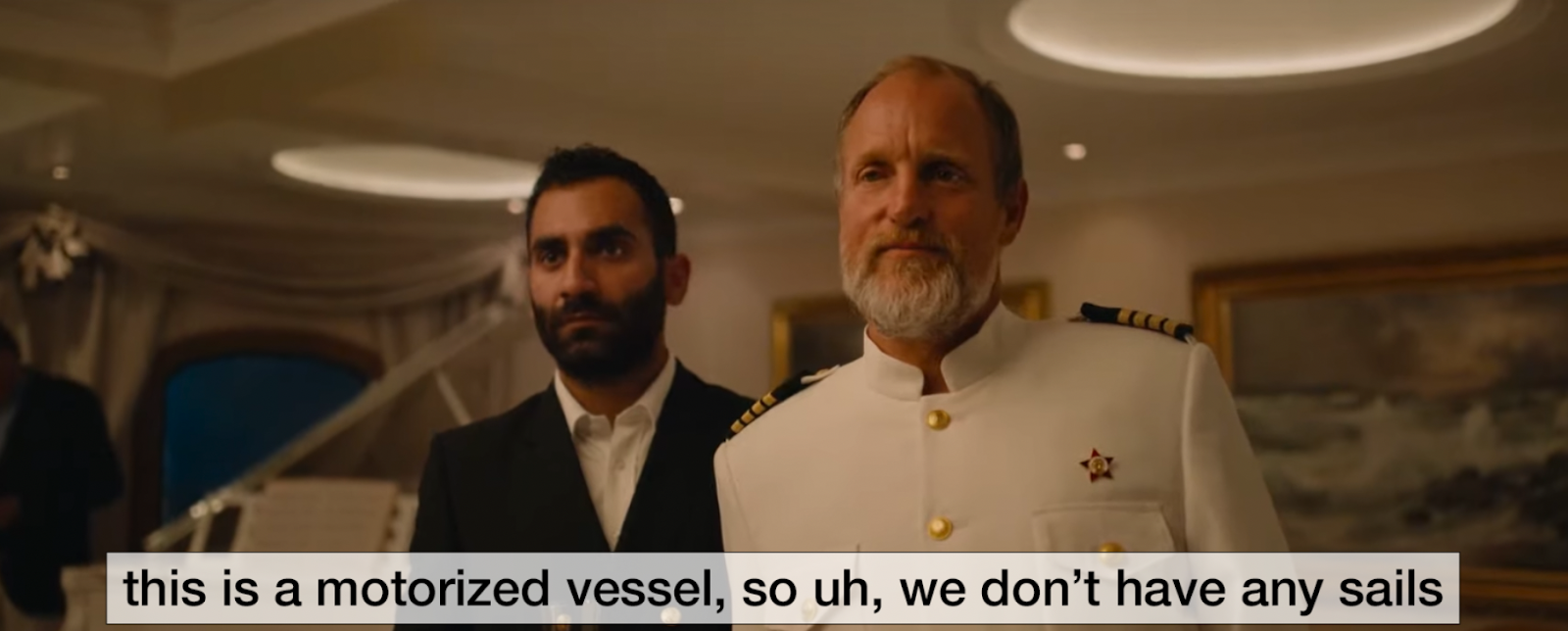
If you’re presenting a feature film as part of your install - is it 60fps? No. It’s probably 23.976. Will someone say “hey that doesn’t look smooth”? It’s like that scene in Triangle of Sadness where one of the cruise passengers asks Woody Harrelson to clean the sails. There are no sails on the boat because it’s a motor boat.
In general 30fps is a good target - but video design is a lowest-common-denominator game. If you have 24fps content and 30fps content, you should conform to a single frame-rate for your show delivery. This is a remover of Gremlins.
An AV specialist might say “Industry standard is 10 bit+” or “these LEDs need a 12-bit source video” or “we need 12g SDi”
An AV specialist might also say that you need to use HAP for their show-systems.
HAP is 8 bit, therefore all of the things in the AV system that support anything above 8-bit are just money-burning opportunities.
Also, worth saying, this is also a lowest common denominator situation. If all the source video is 8-bit, which it often is when you’re given content from an agency who doesn't understand that MP4 stock video is flaming garbage, then ramping up your output above 8-bit is totally useless. You can’t make up bit-depth.
All that said, 8-bit does have more banding, artifacts, and discoloration issues. The gold standard, in my book is 10 bit Apple Pro Res 422 (or even better 4444) output, but unfortunately this is not a great playback codec on Windows servers because it isn’t decoded very efficiently when you have a whole lot of outputs.
HAP is the winner here, and has been, for the better part of a decade. Banding issues are common with HAP but can often be tweaked away, either in encoding options or adding some secret dithering on top of gradients. This is called “fixing in content” - a client might not like this concept, but the chances that it actually matters or they could tell the difference is very very low. This is a dirty secret, I guess, but it’s reality.
I find, also, that this is a qualitative discussion rather than a quantitative one. By that I mean: does it look good with your eyes? Does it look good on camera? Is it consistent? If the answer is yes, then you are goooood.
A good LED driver (e.g. Brompton) will give you the options to set the HZ to match a projector. A pixel clock between the projector and the LED will make that banding match and therefore, go away, and you can set a master clock from a media server to manage it. That said, setting everything to 60hz and then disappearing into the bushes is often (more than) good enough.
Frame-Sync and pixel clock. This is important for things like LEDs in broadcast environments. This is not as important for projection. Managing projectors and their design is more of my background, than LEDs, so my intel has got a bias here.
Your content should be within 1 frame of sync between outputs, and that should be consistent, but pixel clock sync is limited to the HZ of the output display. If your projector is a 50/60hz projector, a pixel clock that is not adjusting to those hz won’t do jack for you. You are better off tweaking the shutter on the camera. Modern cameras have off-speed shutter options to deal with this. If you build your system right, sync starts at the source and is optimized for sync in playback and a strong server configuration. I have installed the NVIDIA sync card on… dozens of servers…under the best intention, but ultimately just for show. It is capable of “broadcast sync” but no one has ever needed it. Again, this is a lowest-common-denominator situation. Everything needs to match to the slowest HZ, which will often be a projector. LEDs and lights will need to match it as they have higher HZ options. Even in a broadcast studio where I installed a projection sculpture, these requirements were there, but we had approval (technical and on camera) from the end client in-situ before we spent any time on pixel clock things.