# Project Management & Documentation

Project Management Pro-Tip: Just Call It "Producing"

# Project Management

Calendars, Tasks, Issues, Kanban, Gantt, etc

# Overview on Project Management

<table border="1" id="bkmrk-project-management-i" style="border-collapse: collapse; width: 100%; border-width: 0px; border-spacing: 10px;"><colgroup><col style="width: 38.3333%;"></col><col style="width: 4.40476%;"></col><col style="width: 57.2619%;"></col></colgroup><tbody><tr><td style="border-width: 0px; padding: 0px;">Project Management is a series of methods, frameworks, and tools that are typically owned by Project Managers (obvi), Production Coordinators, Production Managers, and Producers.

There is a lot of nomenclature that's used here (particularly in corporate and DevOps settings).

This language might feel complicated, but it's really stuff you're probably doing anyway:

- ✅ Managing Calendars
- ✅ Managing Tasks
- ✅ Managing Workflow

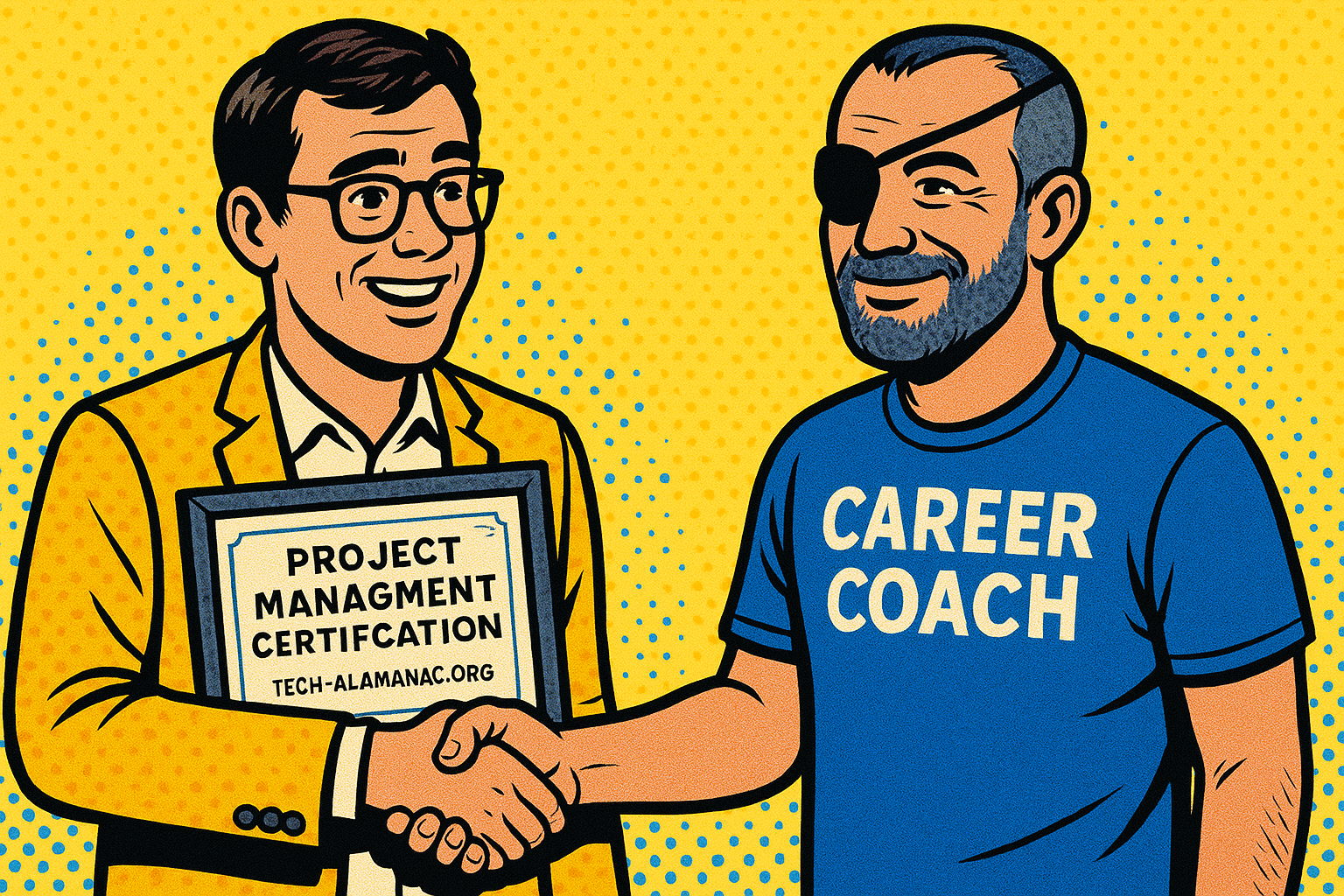
Project Management is a legit and respectable profession, but the culture surrounding it can feel opaque and career-coach adjacent. Don't be scared!

</td><td style="border-width: 0px; padding: 0px;">  
</td><td style="border-width: 0px; padding: 0px;">[![Certificate-v1.png](https://tech-almanac.org/uploads/images/gallery/2025-05/scaled-1680-/certificate-v1.png)](https://tech-almanac.org/uploads/images/gallery/2025-05/certificate-v1.png)</td></tr></tbody></table>

In Project Management, there are a bunch of traditional approaches that may sound familiar to you. Here's a hierarchical chart of how these things work. There are many other project management methods, but these are the ones that appear frequently in Creative Technology processes – at least, altruistically 😉.

- <span style="text-decoration: underline;">Overall Project Management Methods</span>
    - Agile or Waterfall 
        - <span style="text-decoration: underline;">Frameworks for Implementing an Agile Method (Flexible, Continuous Flow)  
            </span>
            - Scrum or Kanban 
                - Sprints 
                    - Tasks 
                        - <span style="text-decoration: underline;">Tools for Managing a Method</span>
                            - Kanban *Boards*
                            - Task Tracking Tools
        - <span style="text-decoration: underline;">Structures for Implementing a Waterfall Method (Phase Based)  
            </span>
            - Tasks within Phases 
                - <span style="text-decoration: underline;">Tools for Managing a Structure</span>
                    - Gantt Charts
                    - Milestone Trackers
                    - Traditional Calendars

#### Contextual Example

You can use a series of approaches to project management *within a single project.*

- Gantt chart to manage the overall timeline of a project – this is a *Waterfall* approach to time (e.g., the pre-production phase is fixed timing of 2 months)
- Scrum Framework to manage the tasks, a Scrum approach to manage each sprint (e.g., the pre-production scrum includes the "locations search and locations acquisition" sprints)
- Kanban boards to manage the individual tasks (e.g., Jeff : scout Central Park then do a locations report. Tony : review all of Jeff's locations reports and create a summary for the EP. EP : confirm locations and get Jeff to confirm location acquisitions).

If this all makes sense to you, congratulations, you understand the basic concepts of Project Management.

#### Task &amp; Project Management Tools

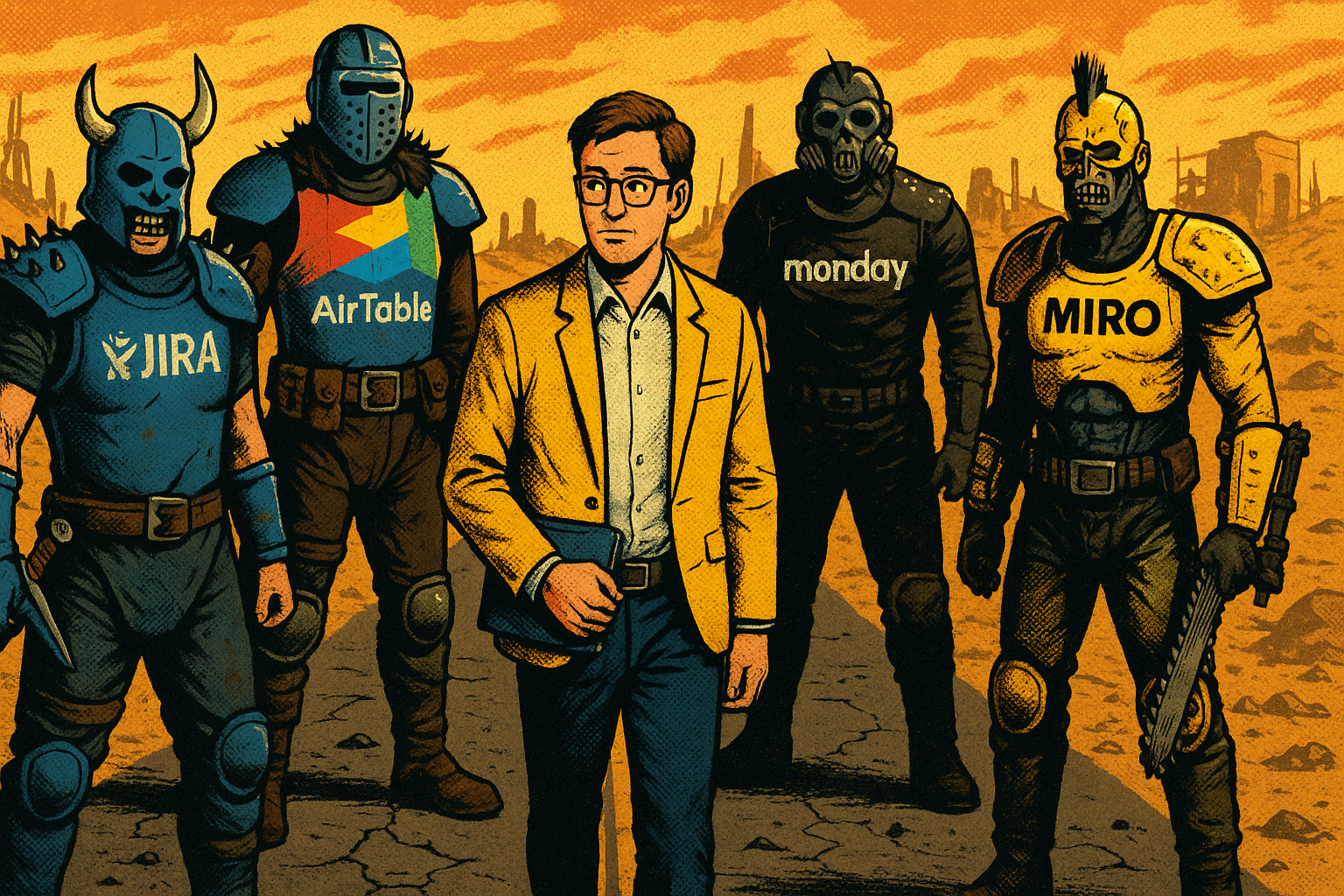
The best way to stay organized is to manage your tasks as well as manage what you own (and what you don't). You can do this using a notebook. If you don't do that already, start with that. A small upgrade from there is a checklist in a notes app. Upgrading from there is a seeming chaotic wasteland with so many products to choose from!

<table border="1" id="bkmrk-the-tools-to-manage-" style="border-collapse: collapse; width: 100%; border-width: 0px;"><colgroup><col style="width: 50.2381%;"></col><col style="width: 2.85714%;"></col><col style="width: 46.9048%;"></col></colgroup><tbody><tr><td style="border-width: 0px; padding: 0px;">[![PM-Software.png](https://tech-almanac.org/uploads/images/gallery/2025-05/scaled-1680-/pm-software.png)](https://tech-almanac.org/uploads/images/gallery/2025-05/pm-software.png)</td><td style="border-width: 0px; padding: 0px;">  
</td><td style="border-width: 0px; padding: 0px;">The tools to manage these tasks include the following software / methods :

- Jira
- Trello
- AirTable
- Miro
- Spreadsheets
- Shitty Notebook.

Most of these tools include all of the things you need to manage a project : Kanban boards, Gantt. task mgmt, etc.

Read more about admin and management tools [here](https://tech-almanac.org/books/applications/page/software-for-data-management "Software For Data & Management").

</td></tr></tbody></table>

I (Cam) know the vibe here is cynical, but this software is actually pretty great. AirTable is incredible. Trello is a gateway drug. Google's Spreadsheets are more of a DIY but very flexible approach, and most people speak spreadsheet. Practically, I have used spreadsheets for most situations because of that accessibility. Also, some companies manage projects using Google Slides or Keynote decks because it's a presentable format. Seems wild right? In some situations, this is actually very functional!

Methods for organizing tasks and managing projects is kind of like being a photographer. What's the best camera to use? The one you've got right now. What's the best tool for project management? Probably: the one your team is using right now.

# Kanban Boards

*How many kans could a kanban ban if a kanban could kan bans?*

[![Kanban.png](https://tech-almanac.org/uploads/images/gallery/2025-05/scaled-1680-/kanban.png)](https://tech-almanac.org/uploads/images/gallery/2025-05/kanban.png)

Kanbans Boards are visual charts that help you manage tasks. You move tasks from column to column as the tasks progress.

*Very basically*

- What is the high-level task?
- Who owns that task?
- What is the status of that task?

You can organize these things in a spreadsheet too, but a Kanban board is a nice way to see it at a larger scale.

Typically, a Kanban organizes tasks into columns that are *To Do, In Progress,* and *Done*. Some other columns might be "Punted" for tasks that are lower priority – you might put this column before *To Do*. Or you might need approval before tasks go into the *To Do* column, so you might have a column that's "Awaiting Approval" and you want to rename *To Do* to "Queued Tasks". There's a lot of ways to visually organize your efforts!

In some tools, you can add a ton of information and automation to each task :

- What are the details of this task when it's completed?
- Are there sub-tasks?
- Is it part of a phase?
- Is there an individual within a department that "owns" the task?
- What is the next task when this one is complete?
- Is there a category of task that it's flagged?
- Is there a priority associated with each task?

<table border="1" id="bkmrk-a-good-kanban-tool-c" style="border-collapse: collapse; width: 100%; border-width: 0px;"><colgroup><col style="width: 33.3731%;"></col><col style="width: 2.77783%;"></col><col style="width: 63.9683%;"></col></colgroup><tbody><tr><td style="border-width: 0px; padding: 0px;">A good Kanban tool can reorganize and filter tasks into different columns if there's a specific flow to them, or if you want to visualize tasks in different categories.

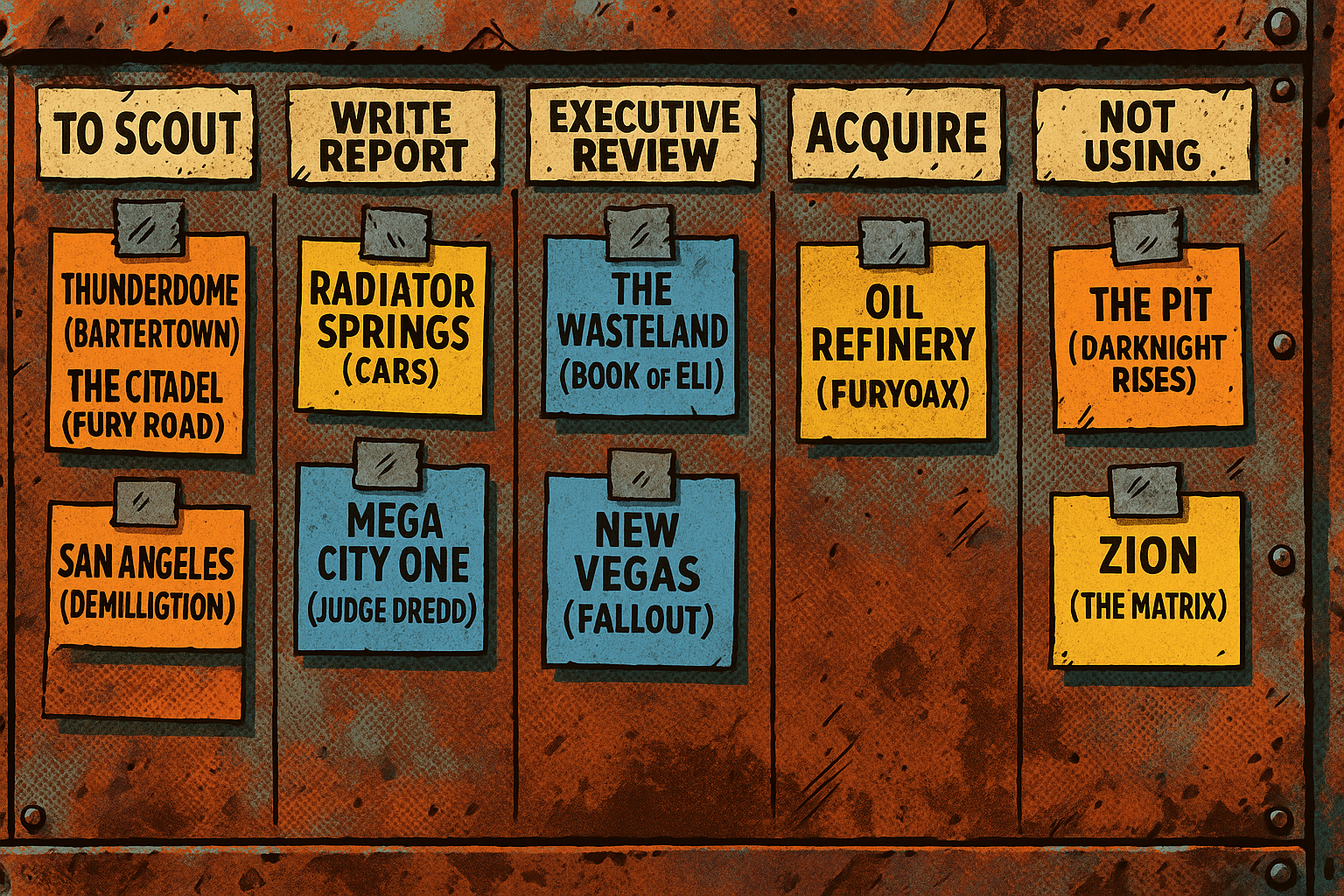
In a known process for location scouting, you might have columns that are related to contextual status.

Column 1 could be "To Scout" with a list of locations,

Column 2 "Write Report"

Column 3 "Executive Review"

Column 4 "Acquire"

Column 5 "Not Using"

</td><td style="border-width: 0px; padding: 0px;">  
</td><td style="border-width: 0px; padding: 0px;">[![Kanban-Scouting.png](https://tech-almanac.org/uploads/images/gallery/2025-05/scaled-1680-/kanban-scouting.png)](https://tech-almanac.org/uploads/images/gallery/2025-05/kanban-scouting.png)</td></tr></tbody></table>

# Gantt Charts

<p class="callout warning">WIP</p>

Gantt Charts are date dependent visual organization tools that display schedule efforts over time. This can be high-level where things are broken down by literal phase. This can be more detailed and breakout sub-efforts within a phase – or maybe there aren't literal phases and it's charting an acquisition process.

# RFPs

I can't quit you

# Project Documentation

Visual (Photo/Video), Operations Manuals, Production Bibles, etc