Active File Directory Synchronization Issues
Google Drive For Desktop can’t (consistently) be used as an “active” file system
All kinds of files don’t sync or bug out regardless of any of the tested variables below. Sometimes they eventually sync. Sometimes they never sync unless I do a re-installation. Sometimes files don’t download. Sometimes files don’t upload. Sometimes the application reports up-to-date but is decidedly-not-up-to-date. This is a well documented problem even though the file types are officially supported.
For the layperson: it means they could be working in the drive and think they’ve backed up all their files, but Google Drive is lying to you and being verrrrry naughty.
A use case of this is: CAD (Vectorworks etc) - we can’t use Google Drive for active file sharing.
Sometimes files disappear from your very eyes instead of uploading!
|
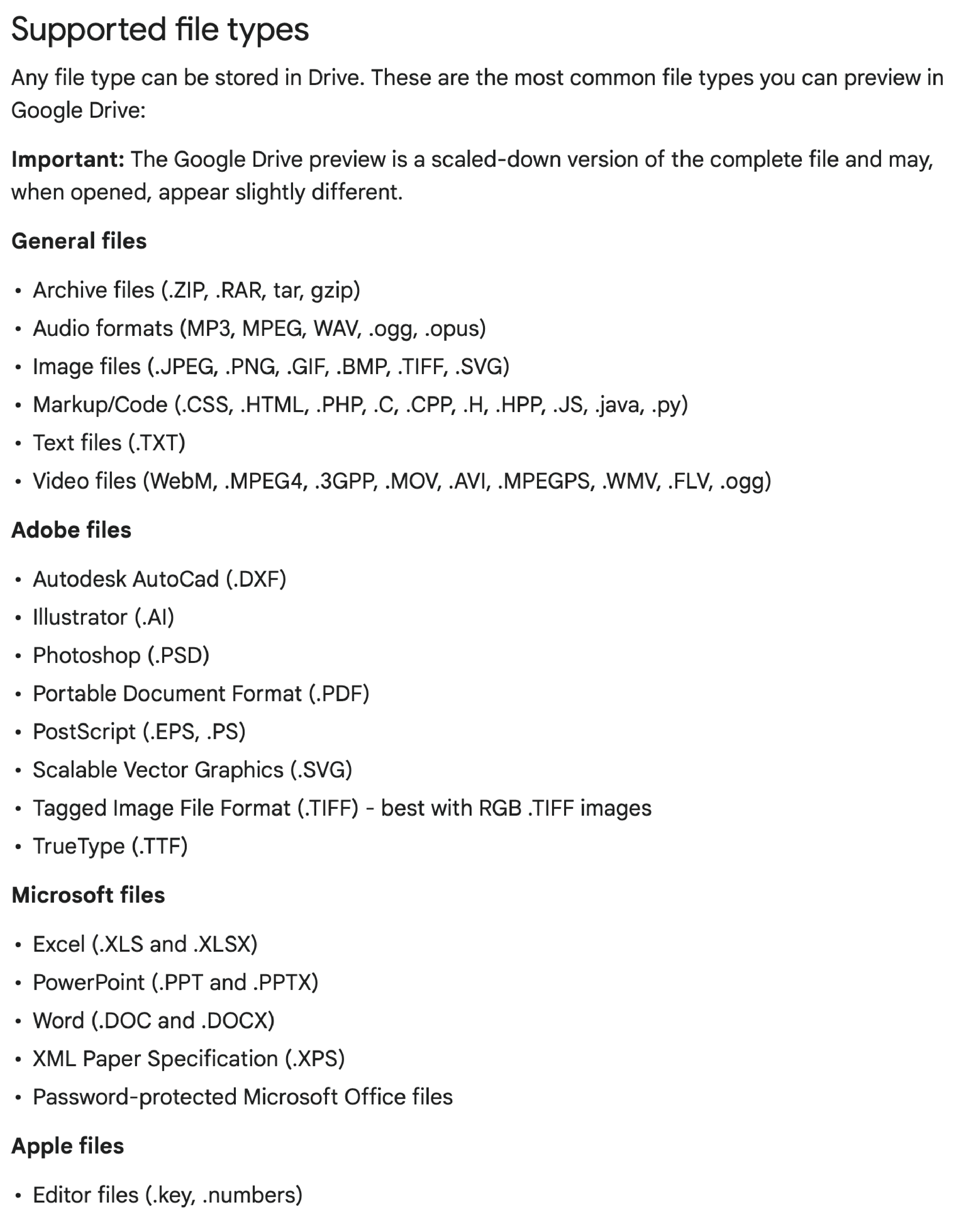
Despite being officially supported →
Here are some file-types that Google Drive can’t consistently handle with reliability:
Here are some other variables that I've tested:
|
|
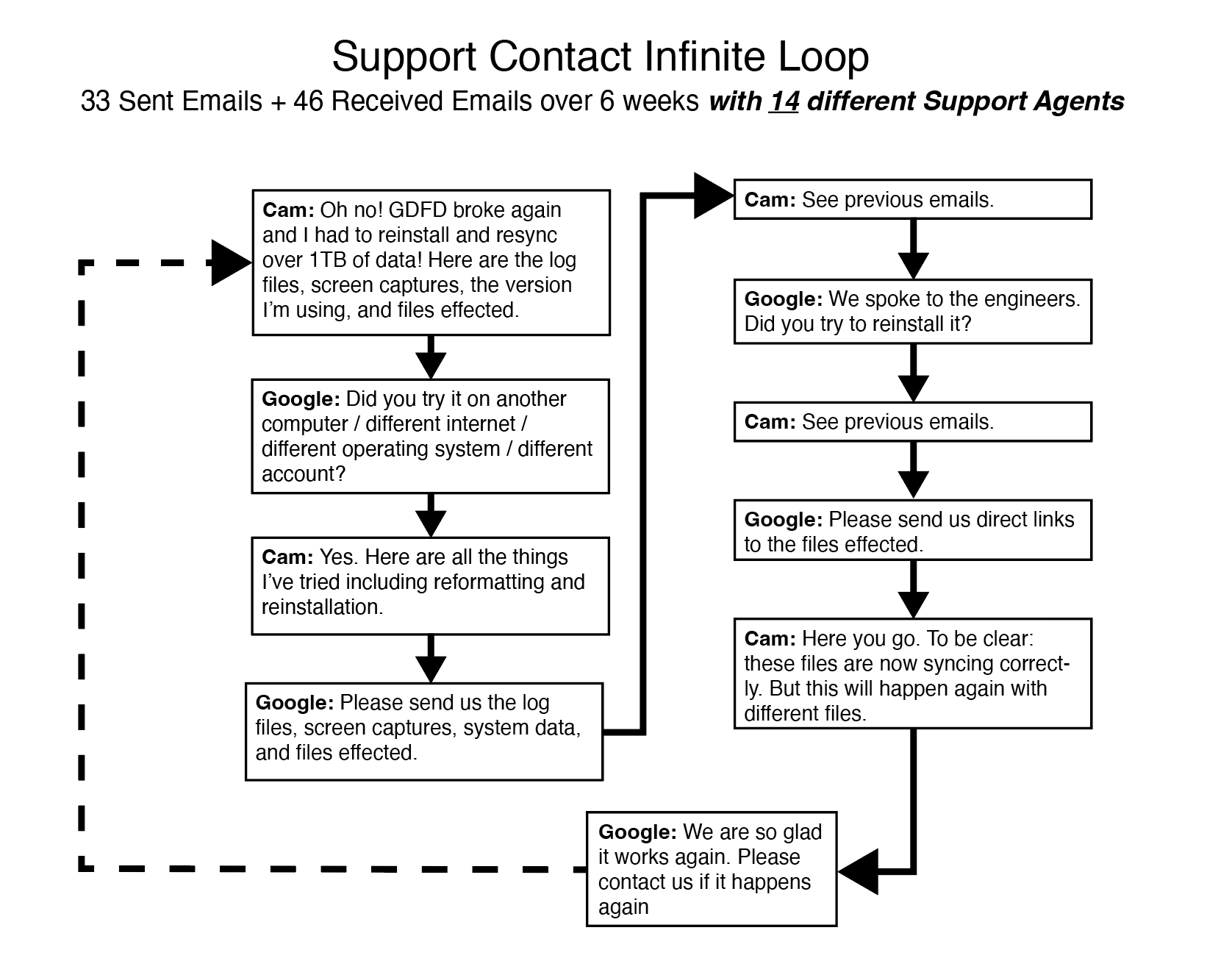
Since otherwise, Google DFD is a fantastic product (sincerely), I tried over many months to get it addressed with Google's support team (I made this graphic like half-way through). I post this here as posterity for anyone else who dares take the challenge.
TLDR : I eventually gave up and now I just accept that when Google Drive borks, it's easier to delete the local version, re-install and start over once again (and waste the bandwidth).