Google Drive Troubleshooting
Google Drive Stuck on “Fetching New Changes”
|
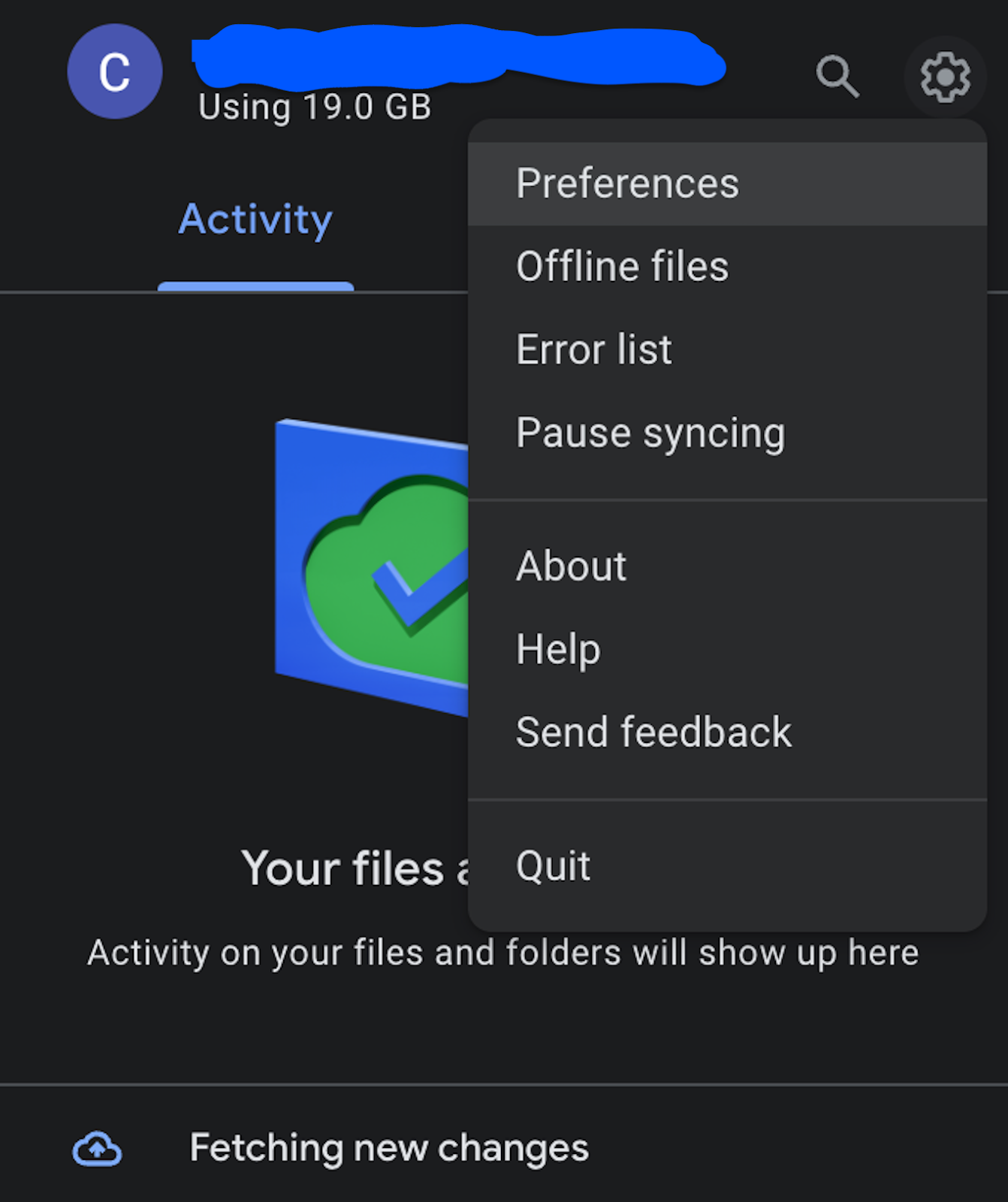
This is the most infuriating Google Drive bug. It gets hung on “Fetching New Changes” while simultaneously reporting “Files Up To Date”.
You used to be able to sever the account and reinstall, but now when you go to disconnect it’s hung on the same “Fetching New Changes” bug.
This happens to me every few months and every time it requires a new solve.
The latest (April 2024) solve was:
|
|