Google Drive Troubleshooting & Tips
All of these solutions are for Mac OS, but I'm sure that the solutions to solve these problems are essentially the same on Windows.
Audit File Footprint for Google Drive Folder
Auditing a google drive folder’s total space without downloading.
Note that you cannot audit folders within folders without manually adding up the lowest hierarchy folders first, so this only works at the most-child level. I'm sure someone has figured out a better way to do this by now...
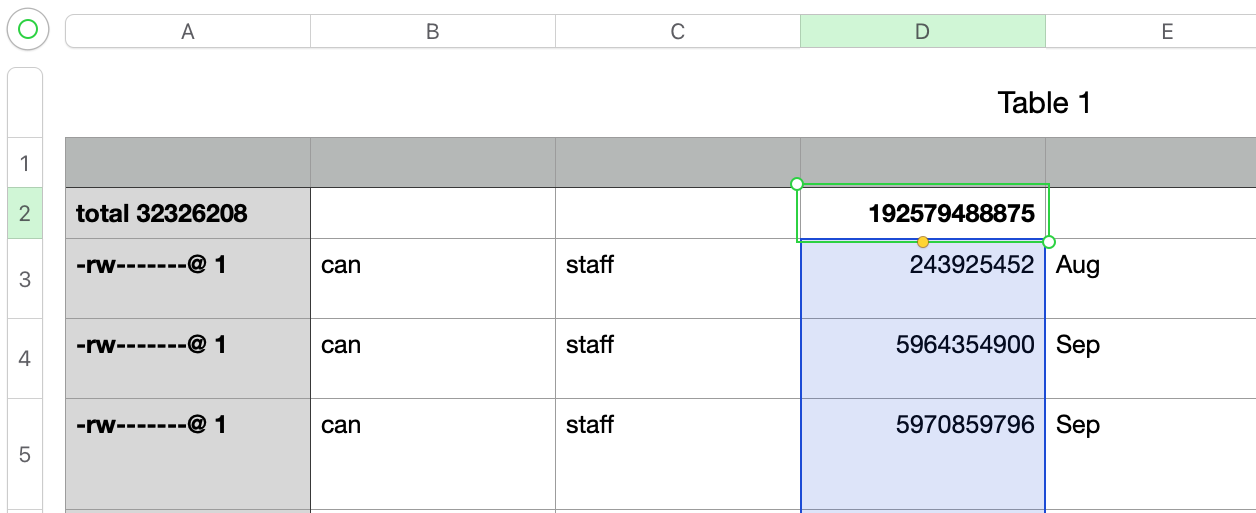
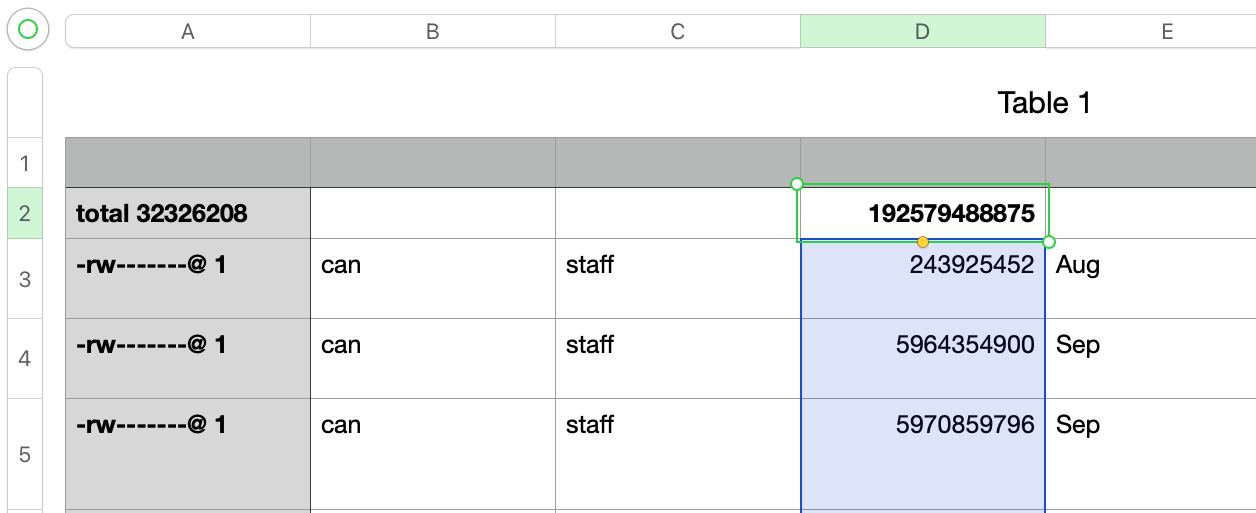
CD the directory locally using Terminal, then ls -l > ~/Desktop/list.txt
Copy data from that brand new list.txt file to a spreadsheet and =Sum up the random numbers - in the example below, the total was 192.58GB !
Google Drive Stuck on “Fetching New Changes”
|
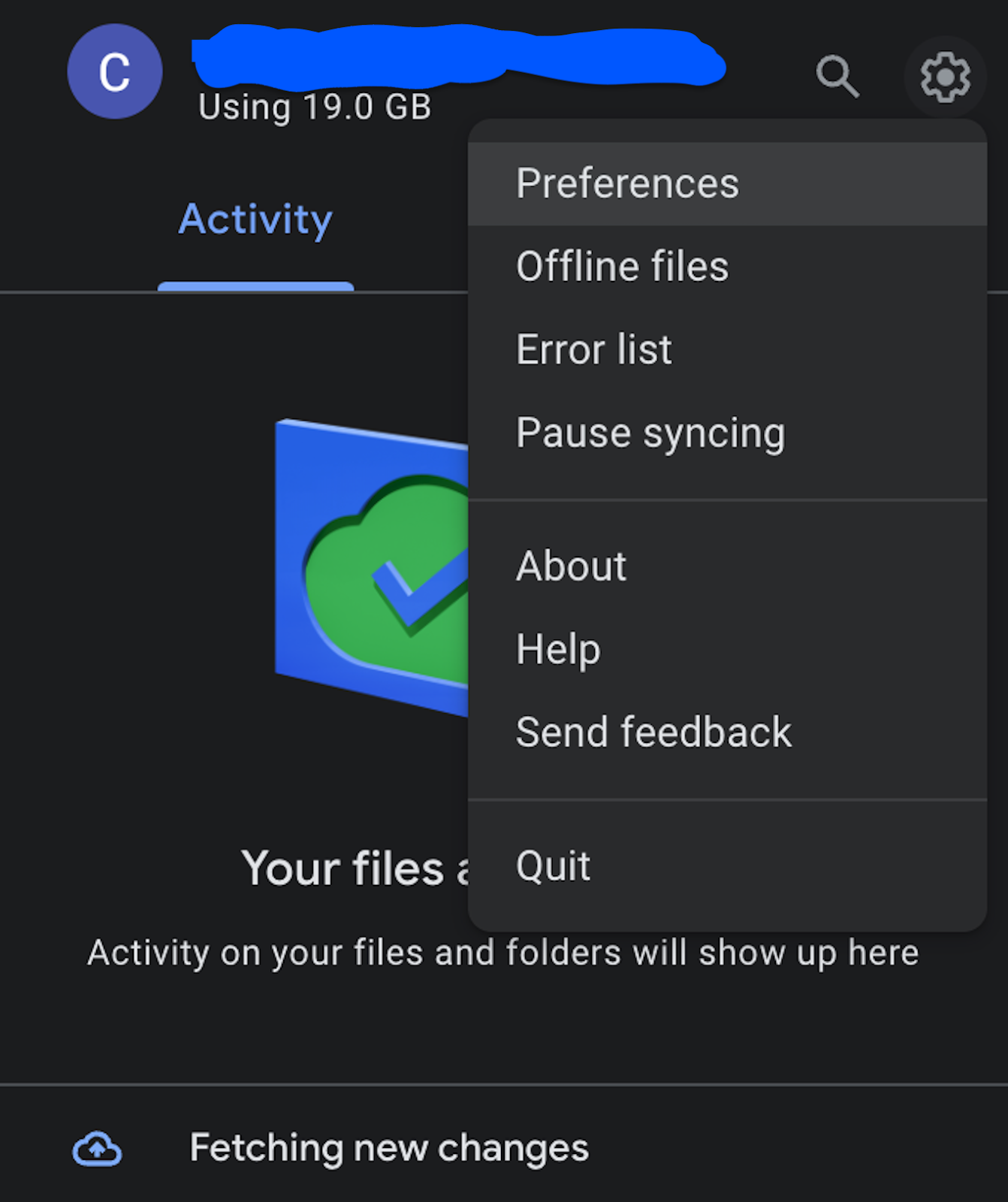
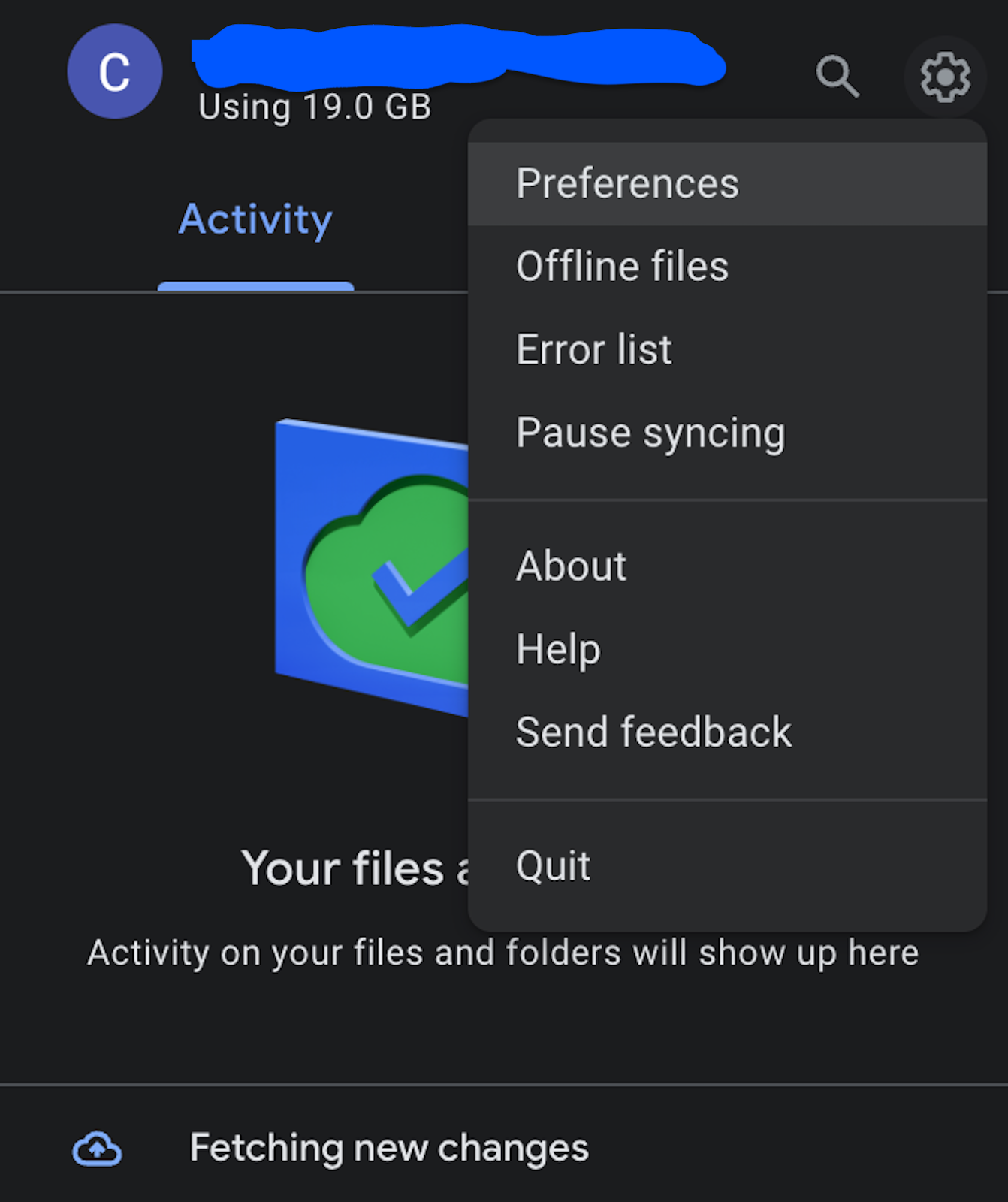
ThisSo, is the most infuriating Google Drive bug. Itit gets hung on “Fetching New Changes” while simultaneously reporting “Files Up To Date”.
You used to be able to sever the account and reinstall, but now when you go to disconnect it’s hung on the same “Fetching New Changes” bug.
This happens to me every few months and every time it requires a new solve.
Be sure you have copies of files elsewhere, (if they are in xFer purgatory).
The latest (April 2024) solve was:
If you can, wait 24 hours and leave computer on and connected to the internet. If you can't do that or it doesn't work:
Click the little gear
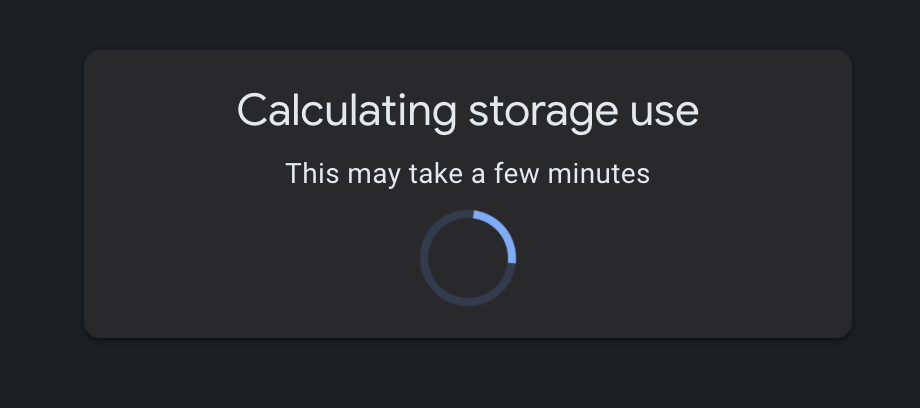
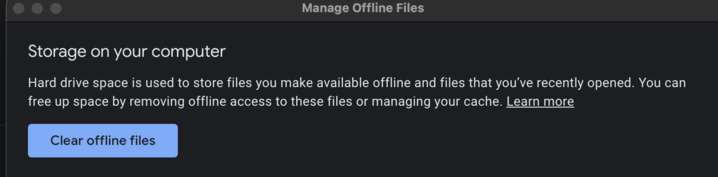
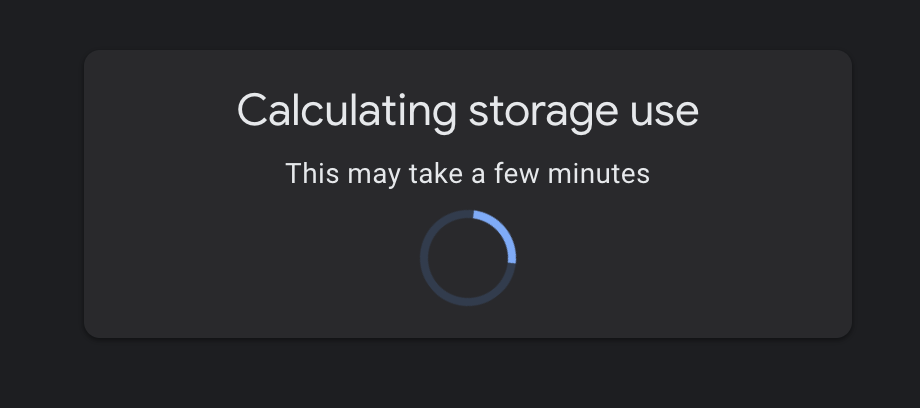
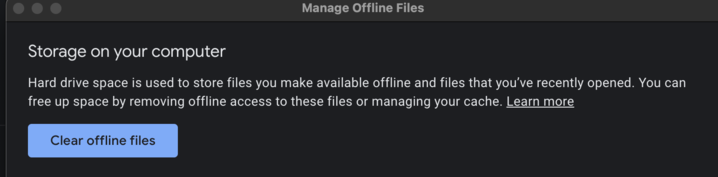
Click offline files – wait for “Calculating Storage use this may take a few minutes”
- Click Clear Offline Files
- Restart Google Drive
- Restart Computer
- Wait until the Google Drive icon stops updating (2-3 hours for me)
- Back to normal, though you will need to re-download everything you want to keep locally sync'd
|
|
Google Drive For Desktop is Completely Borked
When Google Drive becomes hung or unresponsive for days on a single machine, and the troubleshooting steps above don’t work, you can attempt a manual uninstall.
Proceed at your own risk! Be sure you have copies of files elsewhere, (if they are in xFer purgatory).
If you can, wait 24 hours and leave computer on and connected to the internet. If you can't do that, or it doesn't work:
If possible, try to disconnect the account in DFD preferences. If that doesn’t work:
Disable auto-login within DFD prefs and within system level prefs (“login items”)
Try to quit the app the right way.
Try to eject the drive the right way.
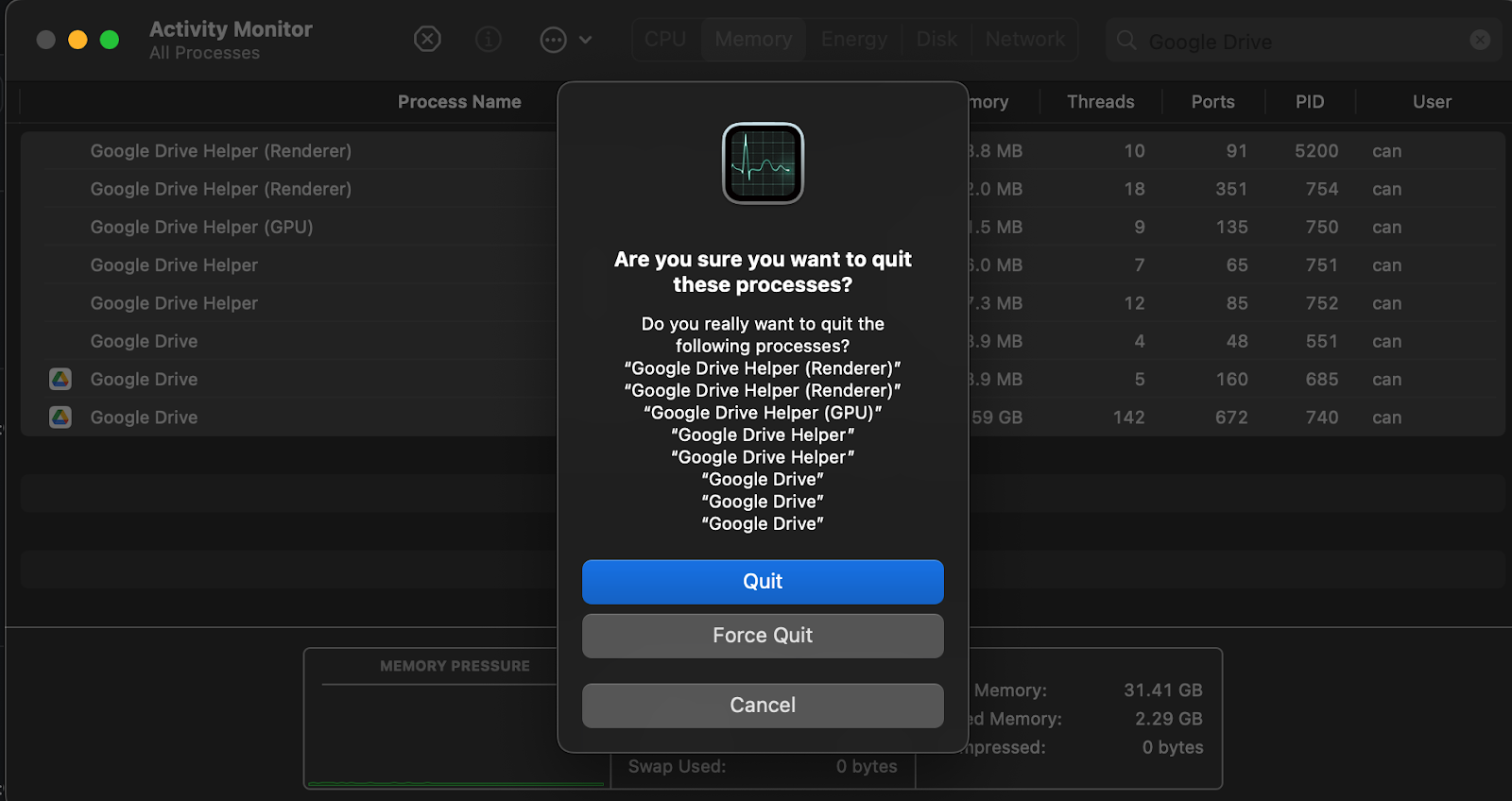
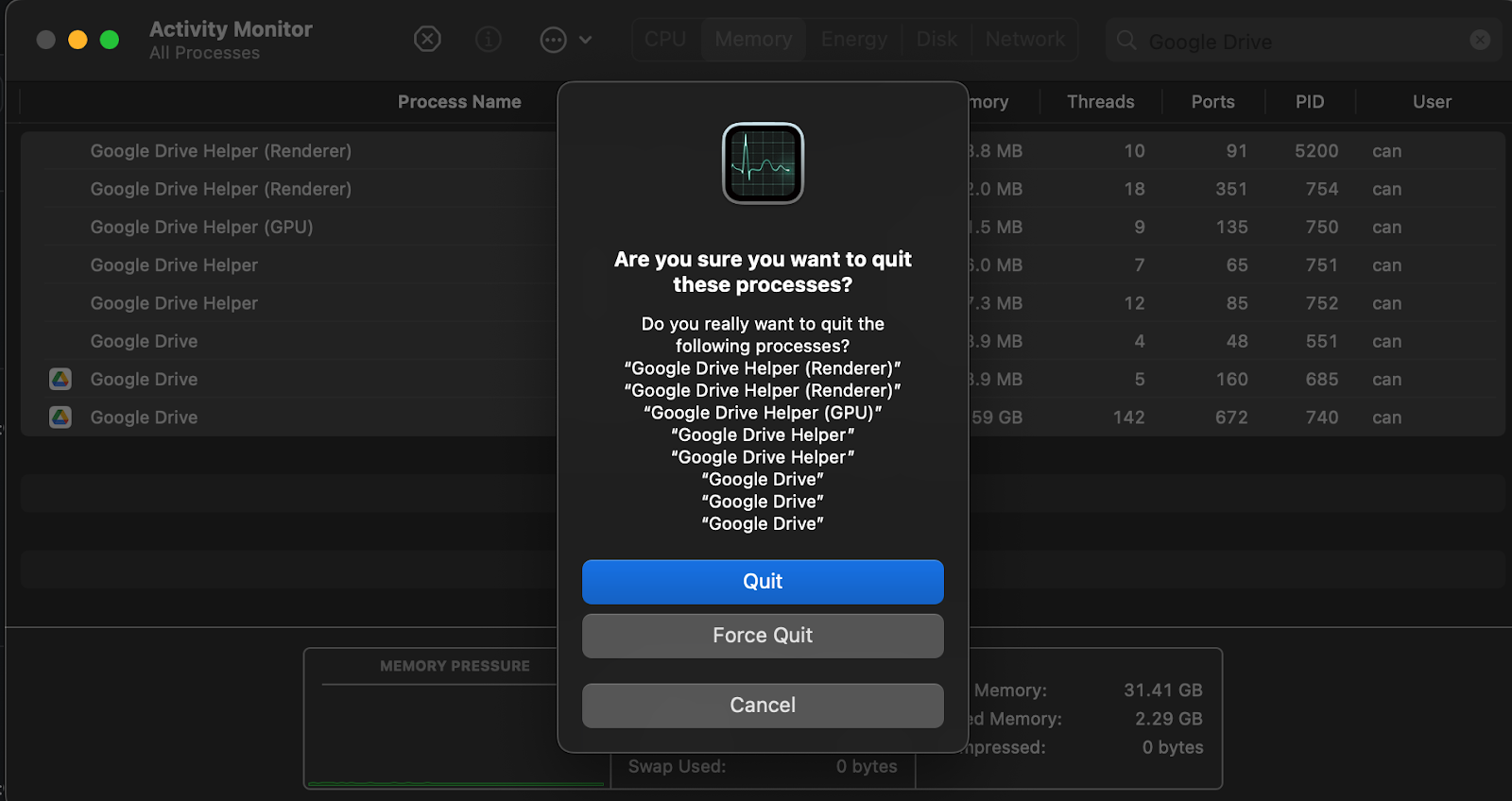
Force Quit all DFD processes via task manager/activity monitor.
Delete the DriveFS folder in /Users/yourusername/Library/Application\ Support/Google/DriveFS
Delete the DFD preferences found in /Users/yourusername/Library/Preferences/
If DFD isn’t running, delete it.
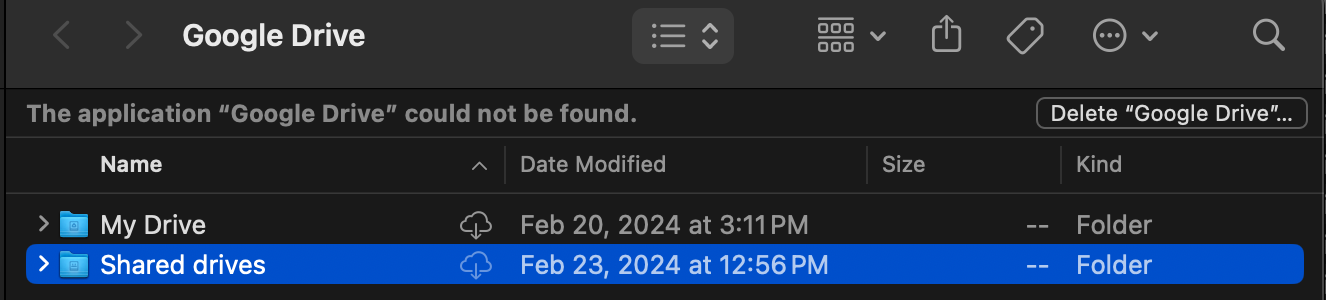
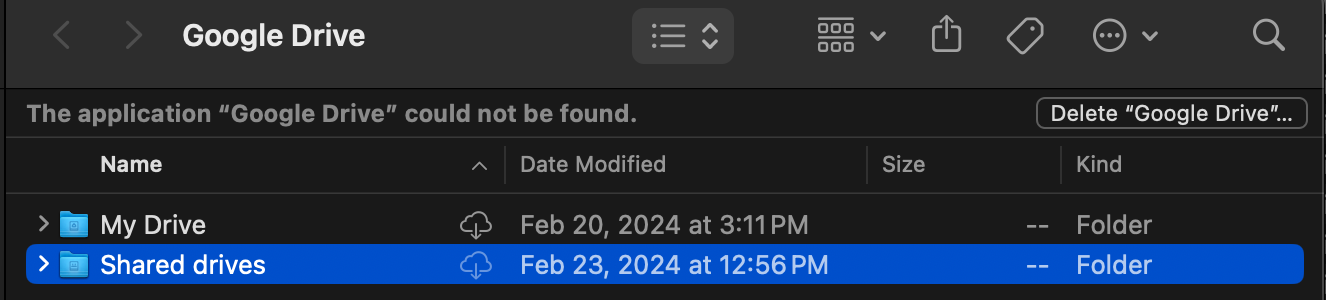
Navigate to the cloud storage for Google Drive (this is your local google drive cache), it will say something like “the application ‘Google Drive’ could not be found” – click the delete just to the right.
Watch your computer’s free space go up.
Run software update on the OS just in case.
Restart.
Reinstall Google Drive.