
Google Sheets How-To
Need Leading Zeros?
Set number format to “custom number format” and enter the number of zeros for the number of digits you need. For example, a custom number format of “00” will turn “1” into “01” and “14” will just stay “14”. You can also this in formula by saying =TEXT(SomeCell,”0000”). If some Cell is B6 and B6 = 16, than that formula will return 0016.
Need Unique Row IDs?
| If you’ve got a note tracker or just need to create unique IDs for rows that persist through a sort or a filter or an insert of rows, and you don’t it to get all wonky, follow the steps below | 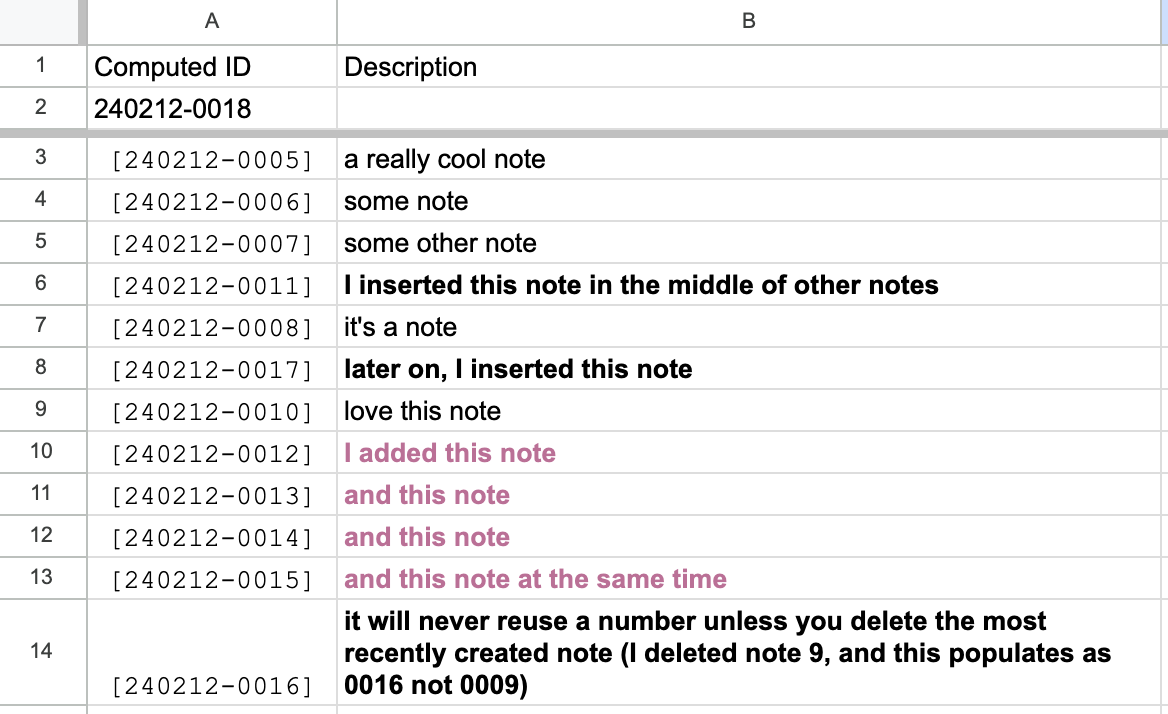 |