
Casestudy : Up-Scaling, Retouching, & Colorizing from a Bad Source
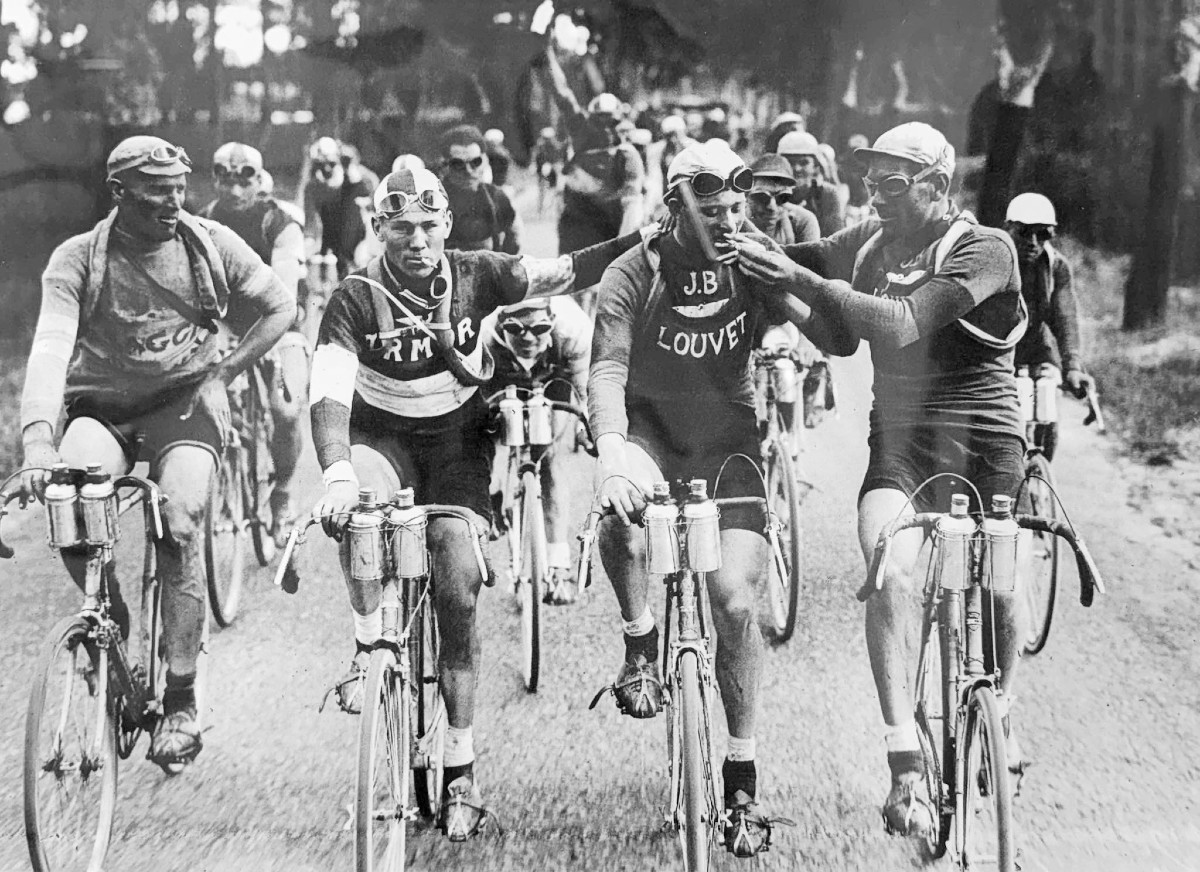
I wanted a high resolution version of this image and I wanted it to not look cursed or fucked.
This whole process took 6 hours and was hundreds of manual, human steps. I only did a good job because I know the tools. People think - "these tools are shortcuts and they take the artistry out." Trust: it's still a lot of work, and it's very fun and rewarding if you're a fucking dork.
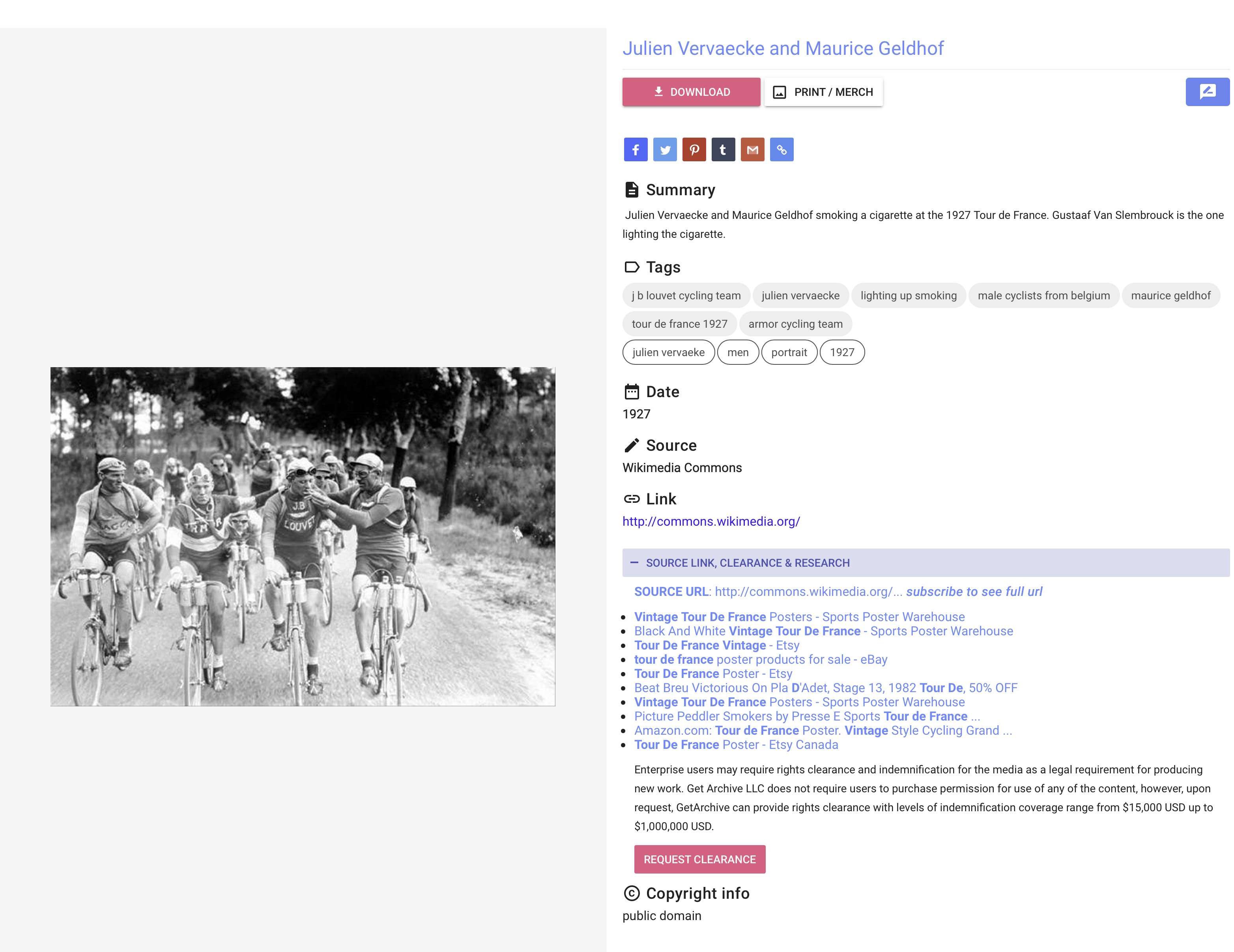
Here are the details of the source image so I'd have something to go on.
First, I researched some newer colorization tools. I tried ones I've used before and new ones, too. They all kinda sucked.
![tour-de-france-1927_m8Q19__please_credit[palette.fm].jpg](https://tech-almanac.org/uploads/images/gallery/2026-06/tour-de-france-1927-m8q19-please-creditpalette-fm.jpg)
GPT did a decent job, but couldn't handle the fidelity / quality issues.
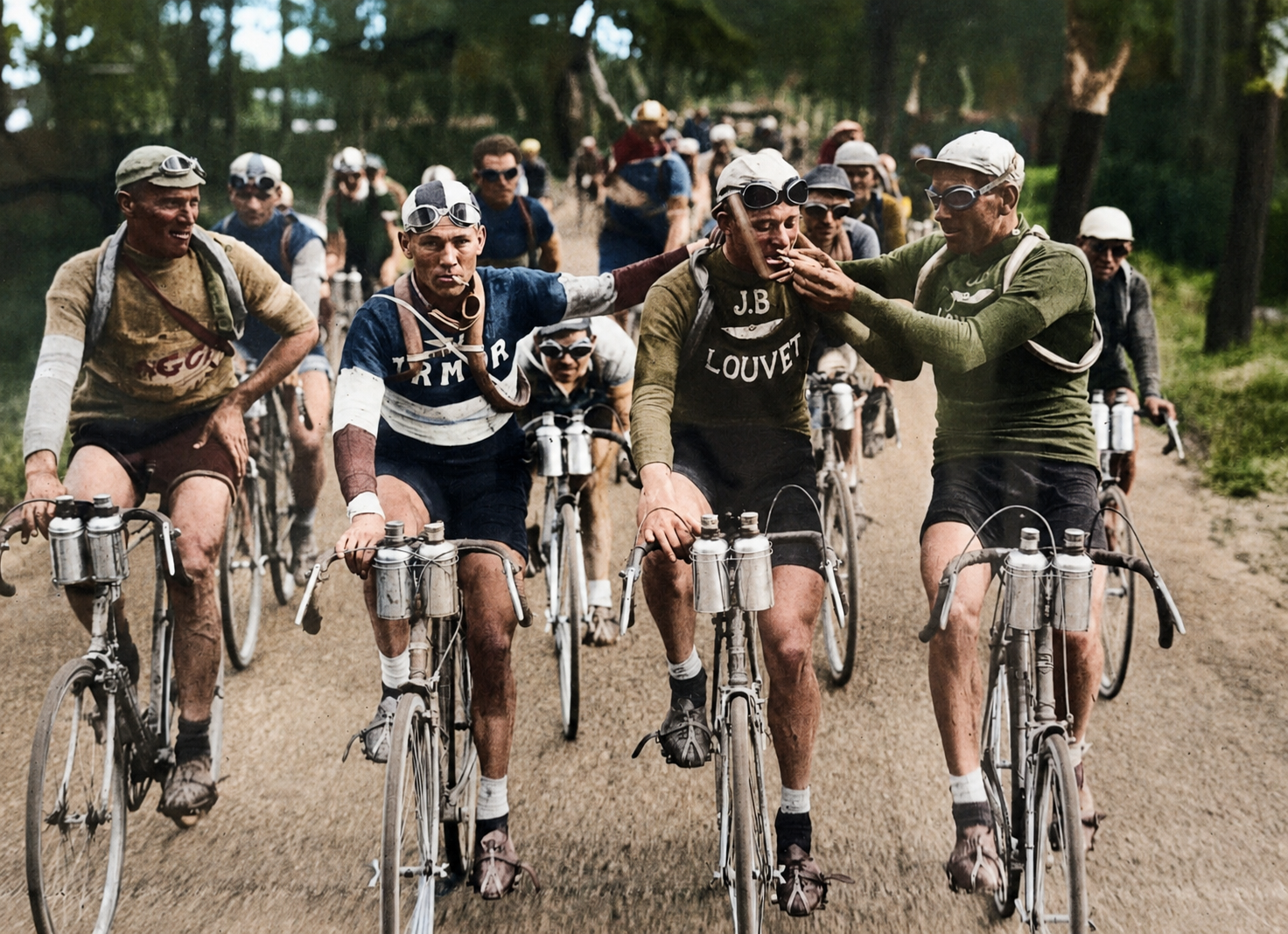
My attempt to improve this manually was good, but not great.
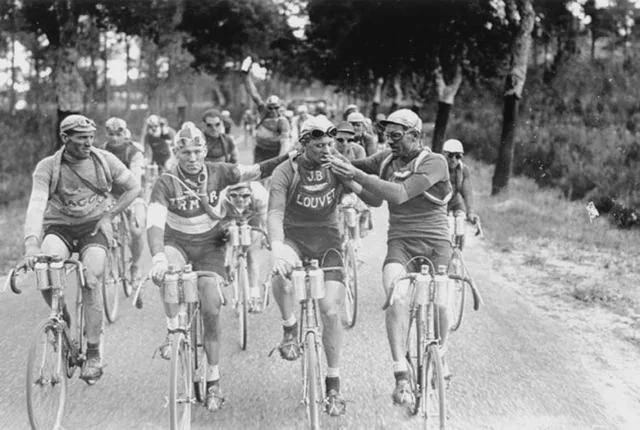
If you look carefully here, these dudes look like melting hunchbacks of Notre-Dame and their outfits have "complicated shirt" texturing. Yuck! Truly garbage-in / garbage out.
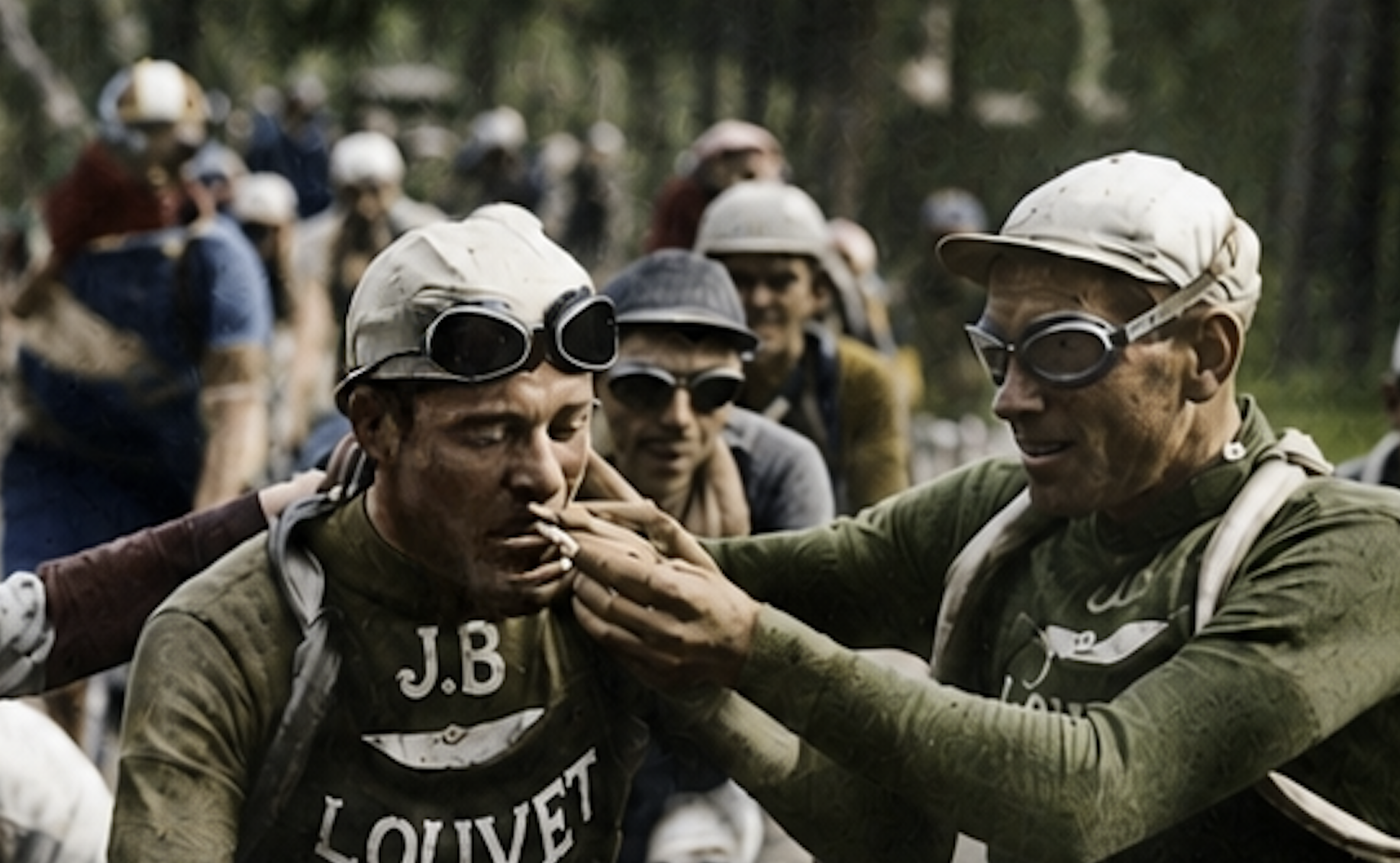
Then, I decided to go back to the source and repair/improve the image in black and white first - focusing on the details I could find, as well as utilizing the research on these cool guys who love cigarettes and biking. What teams they were on, what kind of day it was, etc, etc.
Best way to do that was to improve the image was to focus on regions. So I individually up-rezzed tons of sections. I used a prompt for each one based on what I could find out about each dude. Like these three guys, but for every single guy in the image. I used Gemini for this by the way. Pretty good.
|
|
That stogie looks good |
This is maybe a little too good : as if Walker Evans happened to be in France for the 1927 tour (Walker would've been 24). |
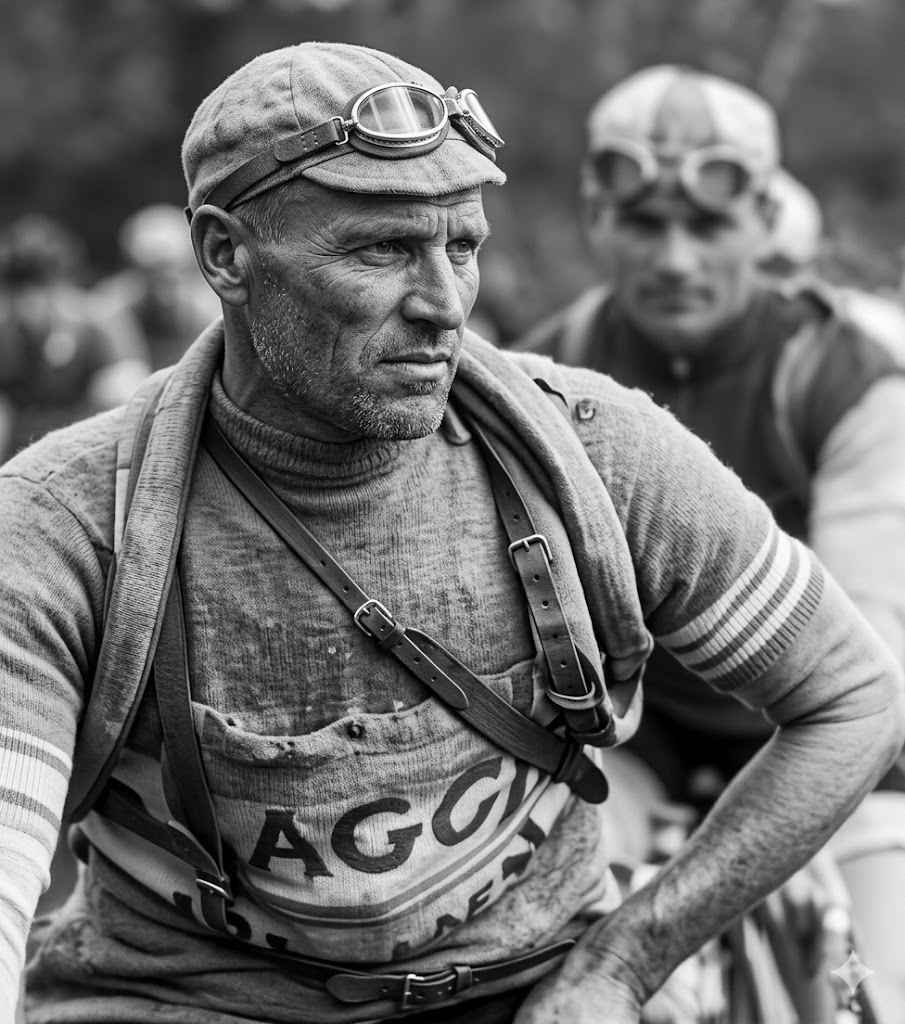
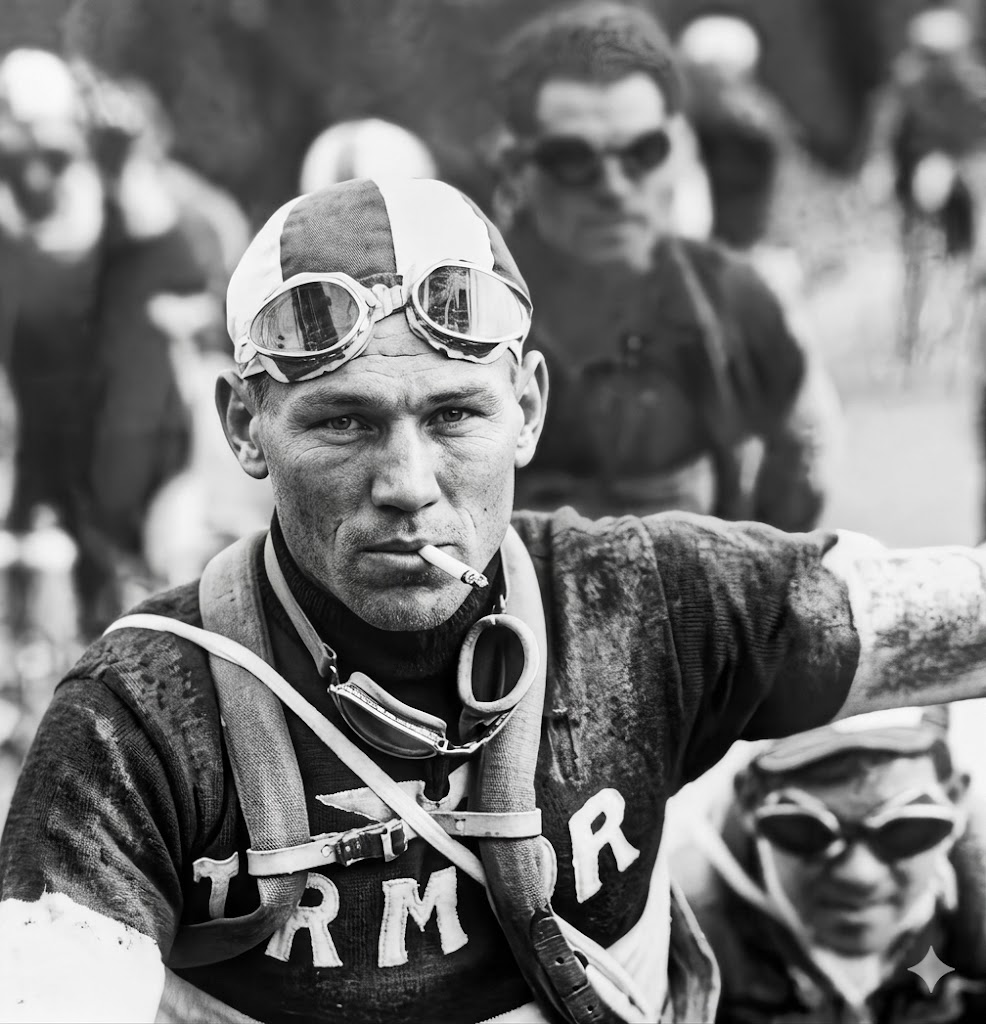
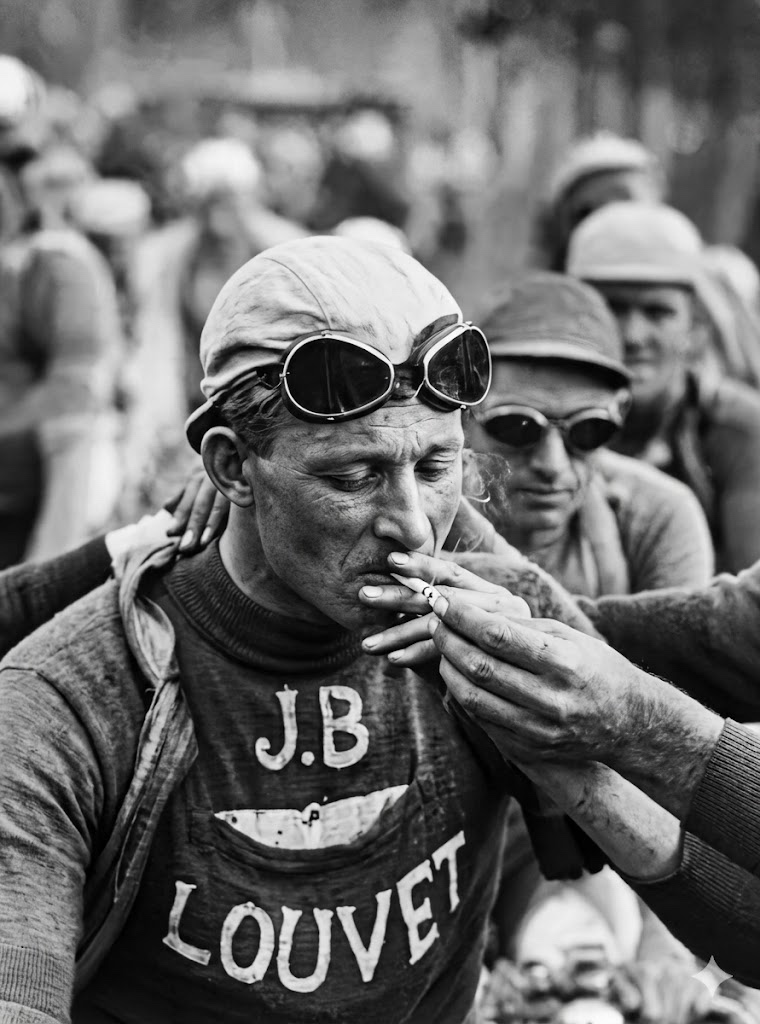
Then I composited them together in Photoshop. BUENO!
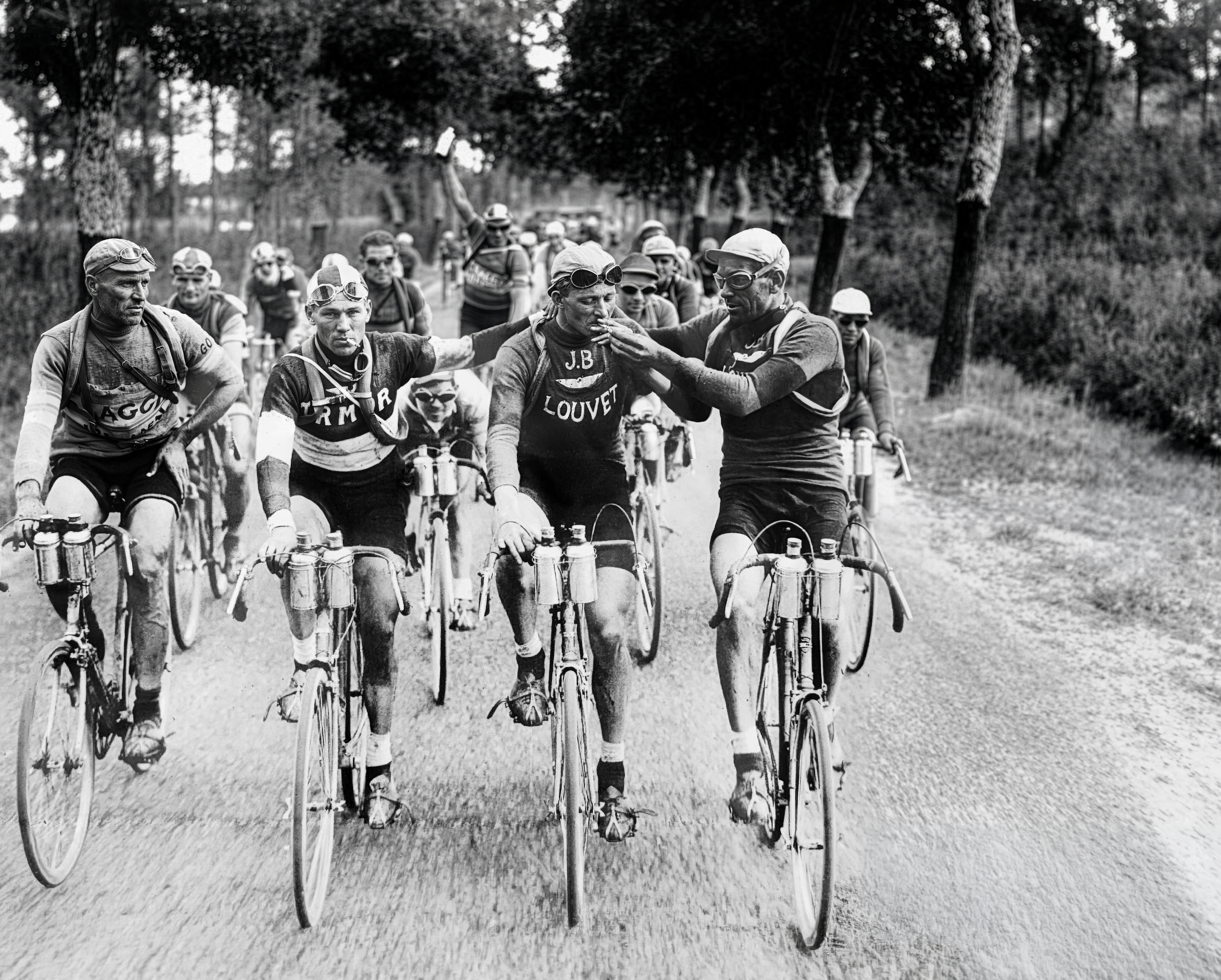
This is the original source btw. My version is a little too high-con, but NICE FRIGGIN WORK, me!
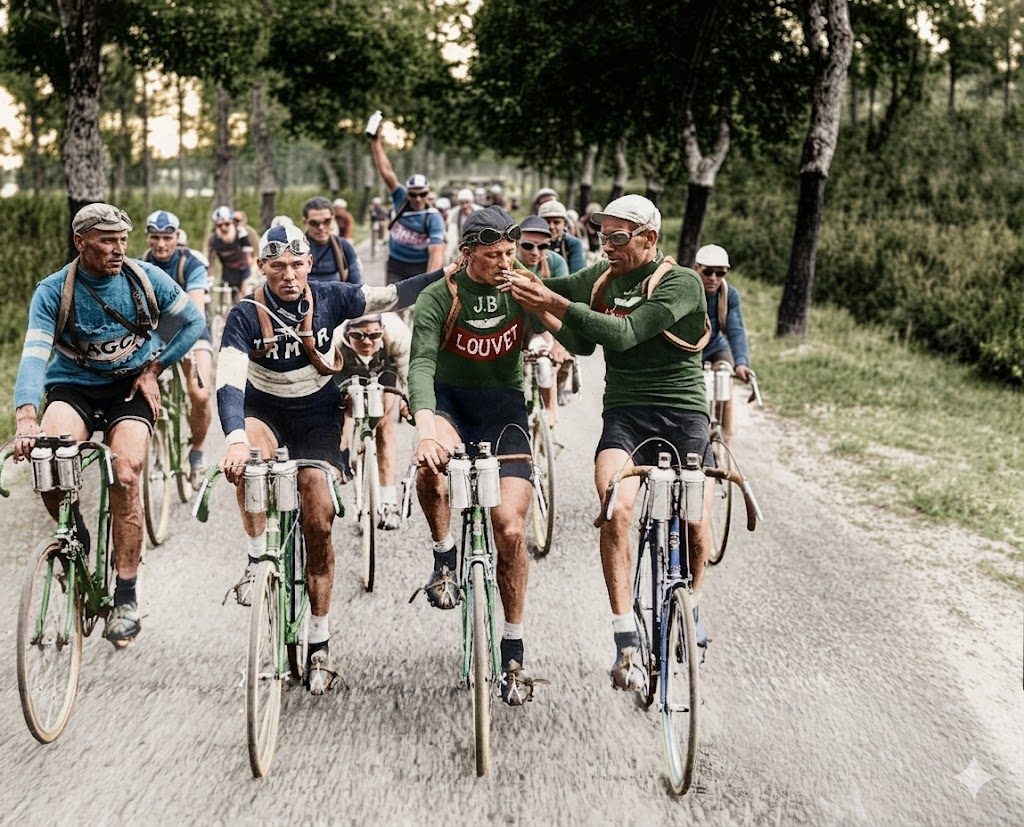
Then, using my up-rez version, I used Gemini to color it (and feeding it prompt research from Claude). Not bad!
Then I used Photoshop to extend the image so I could reframe it.
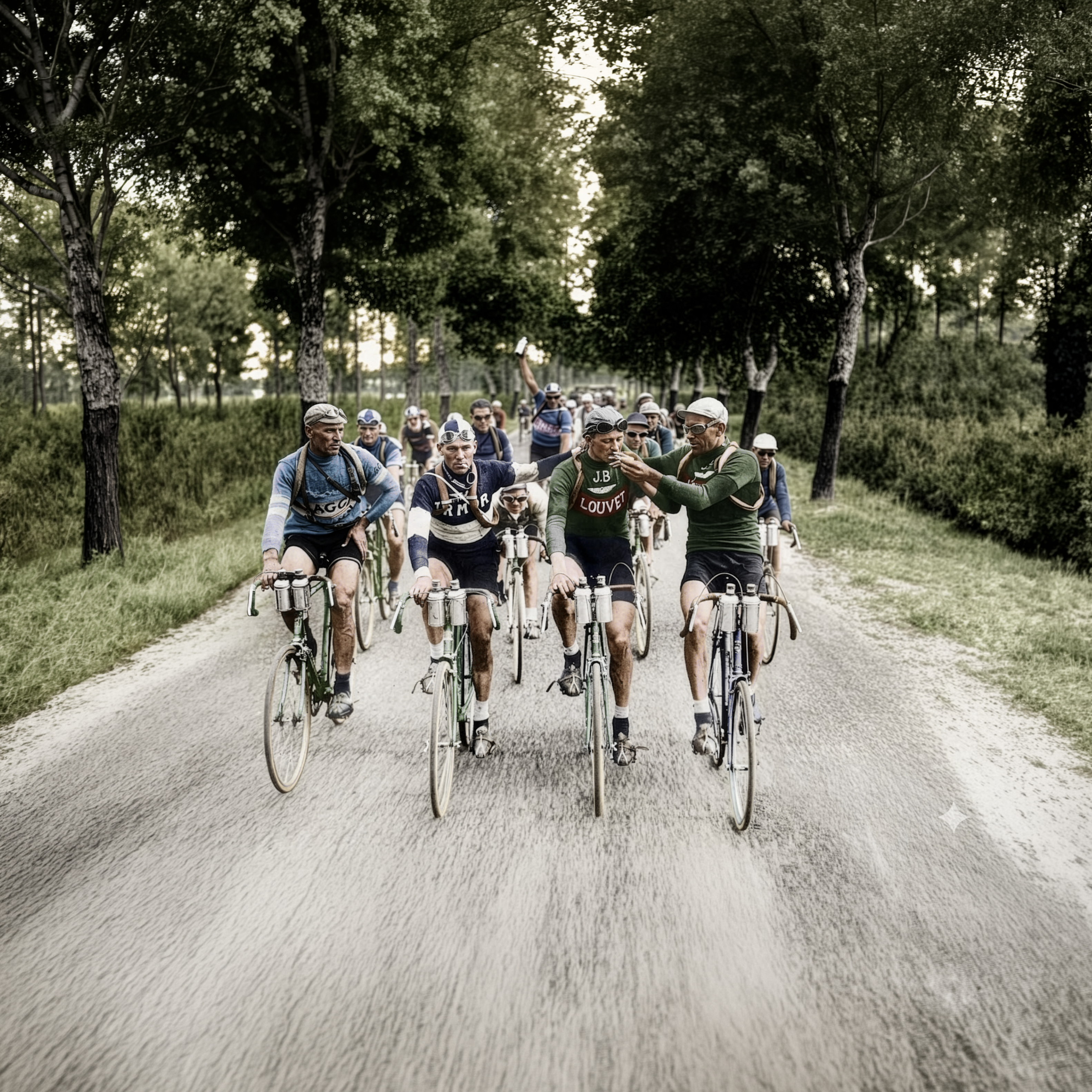
Throw some grain on that bad boy, adjust the light levels, get rid of that Gemini logo
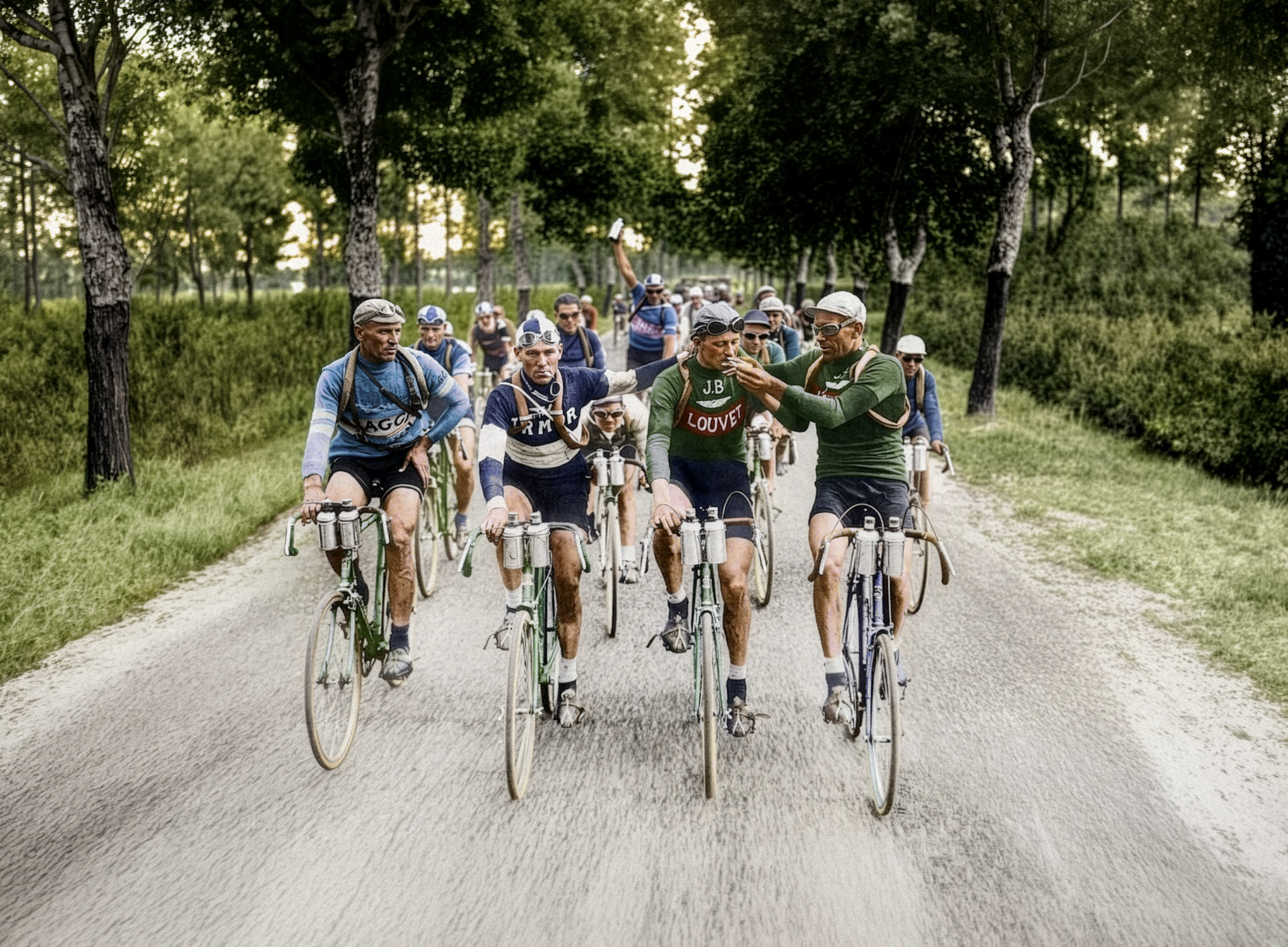
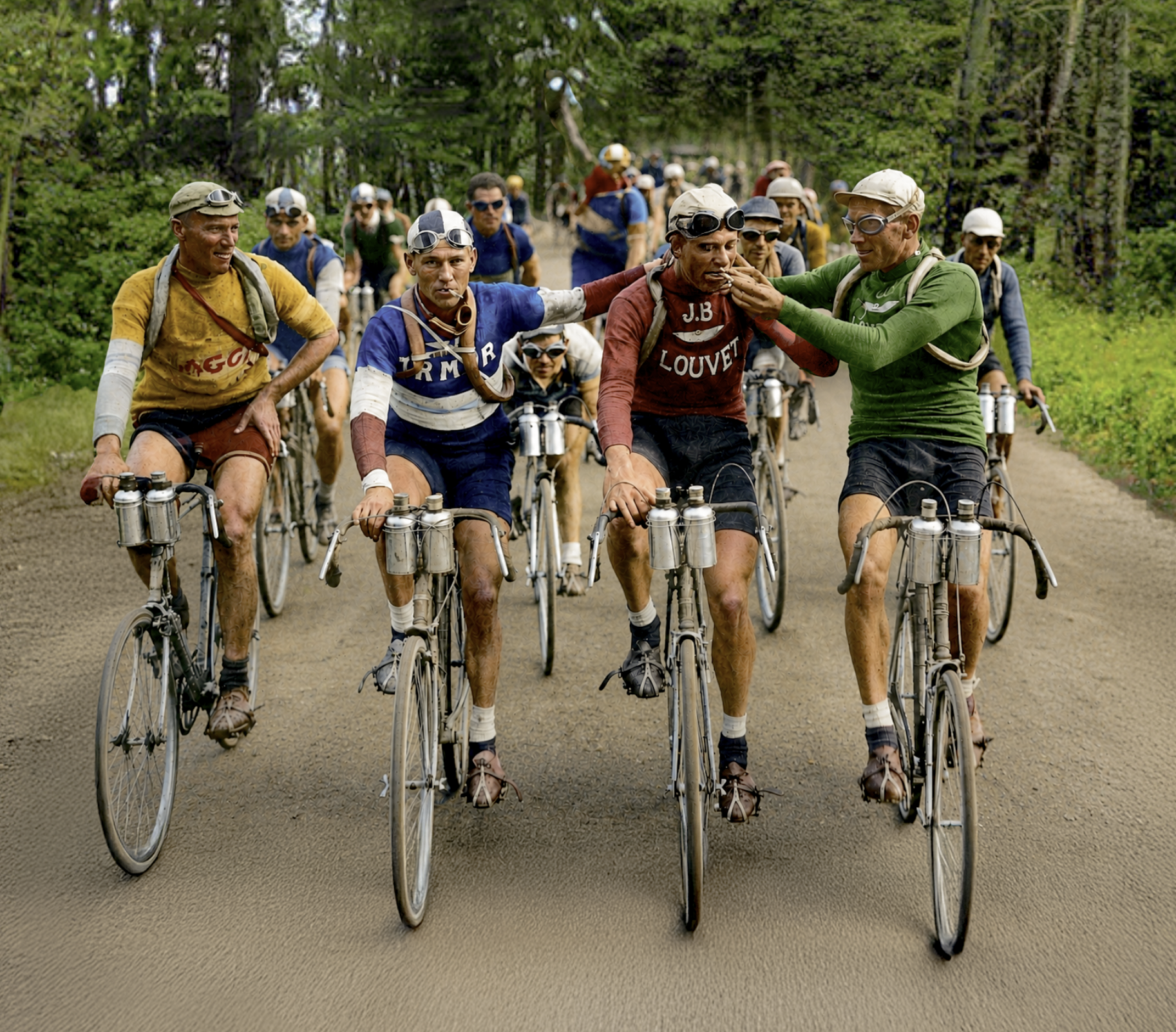
Close to final version in-situ - I replaced the ground to warm up the image a bit and I embellished some color details because I wanted a little more going on.
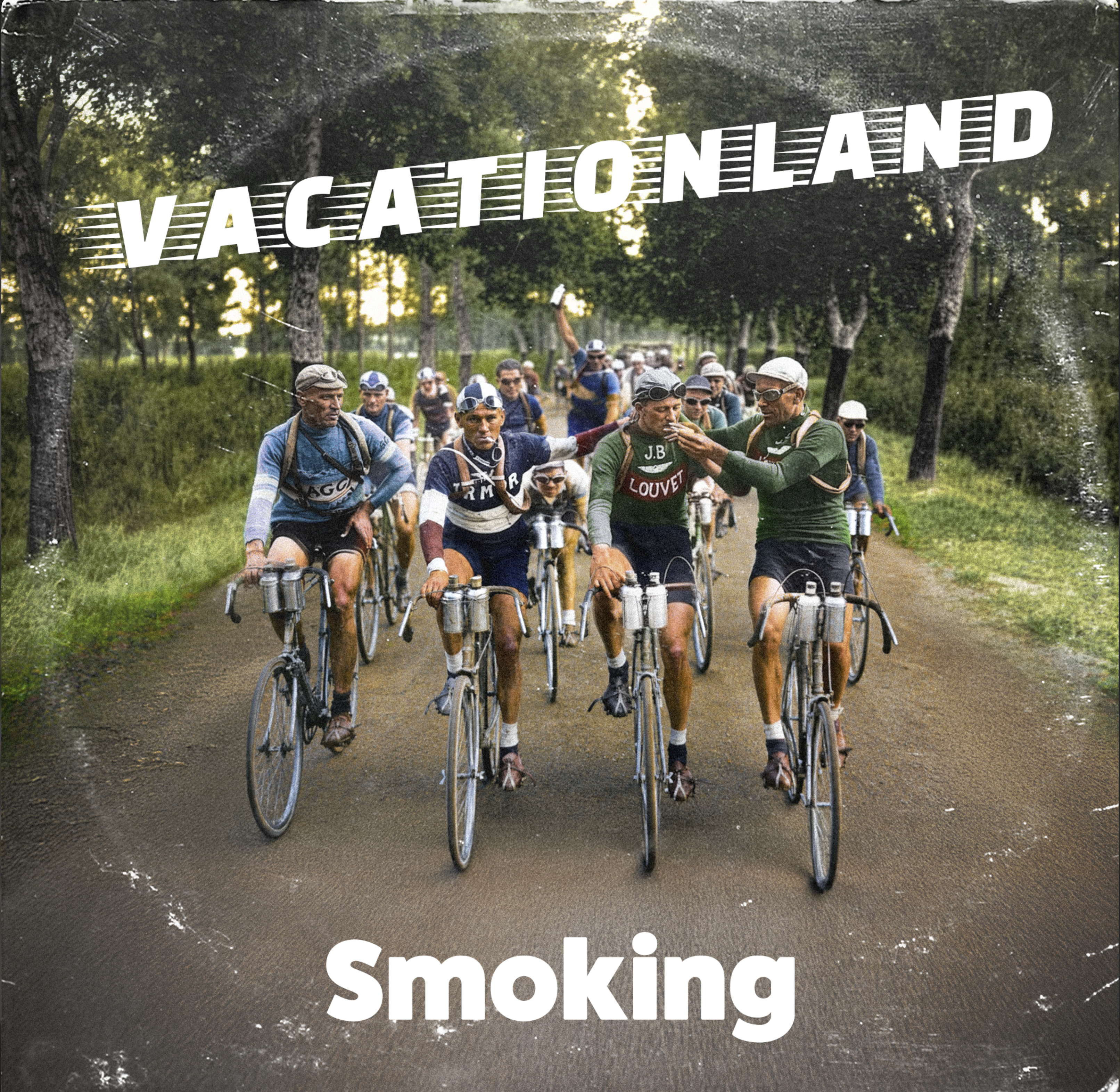
10/10 would do this again
Tools used :
- GPT (for first attempts)
- Claude (for research)
- Gemini (for up-rez)
- Photoshop (for composite, color, image extension, stylization)
No comments to display
No comments to display