
Kanban Boards
How many kans could a kanban ban if a kanban could kan bans?
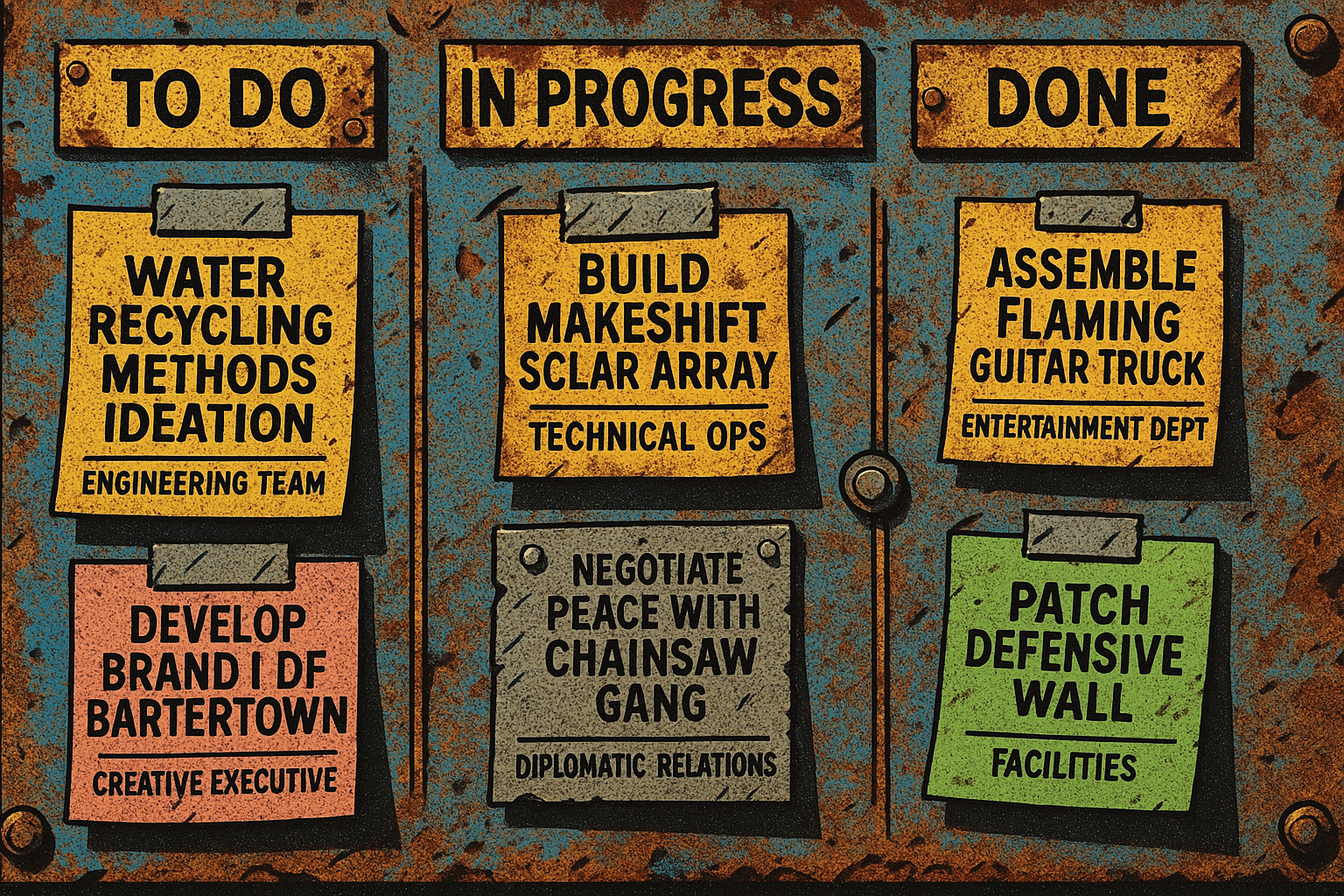
Kanbans Boards are visual charts that help you manage tasks. You move tasks from column to column as the tasks progress.
Very basically
- What is the high-level task?
- Who owns that task?
- What is the status of that task?
You can organize these things in a spreadsheet too, but a Kanban board is a nice way to see it at a larger scale.
Typically, a Kanban organizes tasks into columns that are To Do, In Progress, and Done. Some other columns might be "Punted" for tasks that are lower priority – you might put this column before To Do. Or you might need approval before tasks go into the To Do column, so you might have a column that's "Awaiting Approval" and you want to rename To Do to "Queued Tasks". There's a lot of ways to visually organize your efforts!
In some tools, you can add a ton of information and automation to each task :
- What are the details of this task when it's completed?
- Are there sub-tasks?
- Is it part of a phase?
- Is there an individual within a department that "owns" the task?
- What is the next task when this one is complete?
- Is there a category of task that it's flagged?
- Is there a priority associated with each task?
|
A good Kanban tool can reorganize and filter tasks into different columns if there's a specific flow to them, or if you want to visualize tasks in different categories.
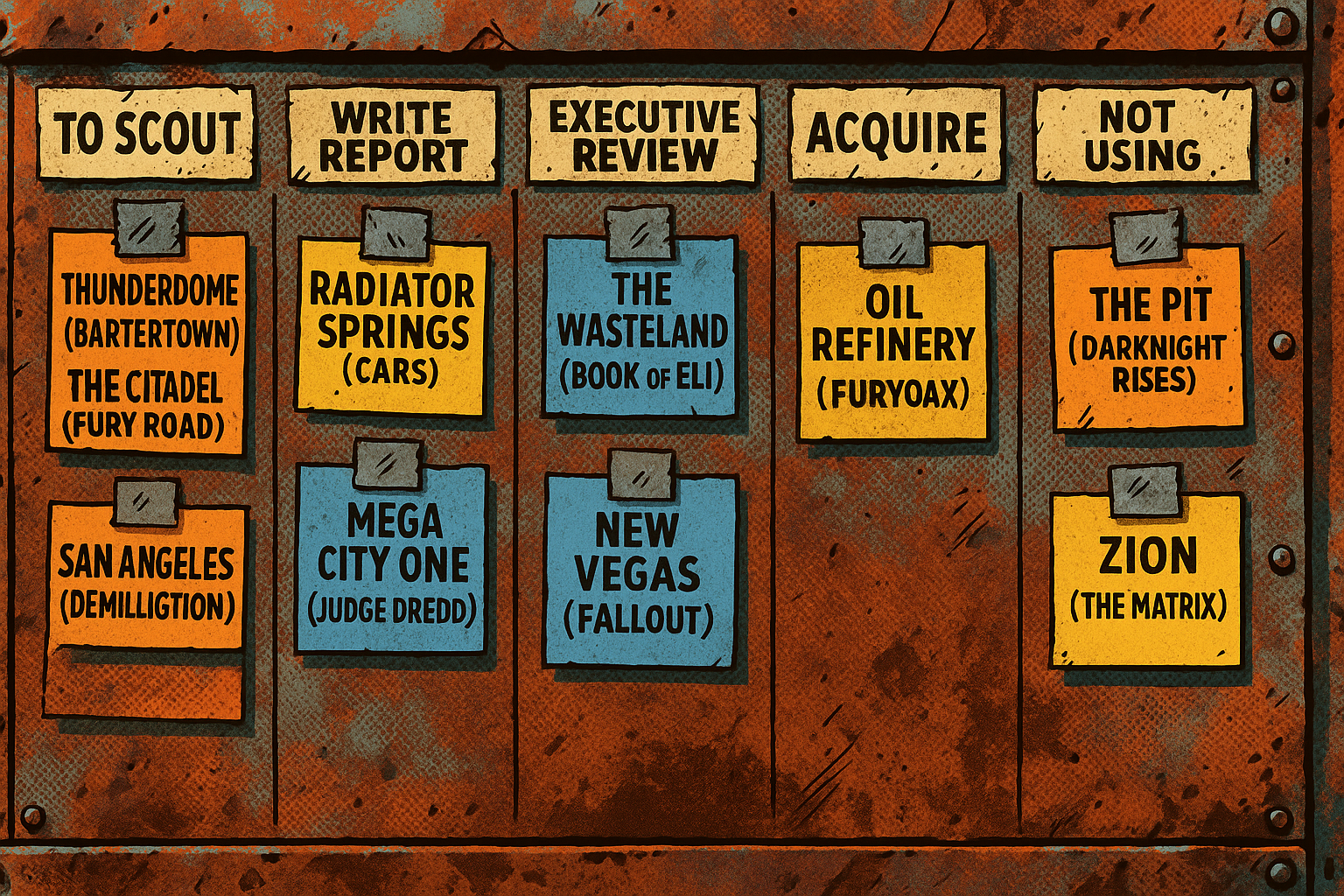
In a known process for location scouting, you might have columns that are related to contextual status.
Column 1 could be "To Scout" with a list of locations,
Column 2 "Write Report" Column 3 "Executive Review" Column 4 "Acquire" Column 5 "Not Using" |
 |
No comments to display
No comments to display